
 Doc Summary

How Licence Seats Work #
Your licence is based on how many users are active. Each active user takes one seat.
For example, with a 10-seat licence you can have as many user accounts as you like, but only 10 of them can be active at once.
- Only active users can sign in.
- All active users can be signed in at the same time. There is no limit on concurrent sign-ins.
- There is no extra charge for roles or permissions. You decide how much access each user has.
- You pay a monthly fee for each module, and can give any of your users access to it at no extra cost.
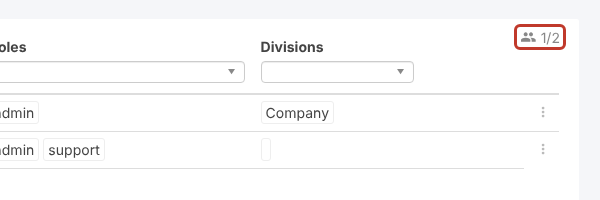
The seat counter at the top right of Set up > Users shows seats in use out of seats available. Here, 1 of 2 seats is in use:
Benefits #
- Unlimited user accounts.
- All active users can work at the same time.
- No restrictions on modules, roles or permissions.
- No hidden costs: you pay for the modules and seats you need.
Example: Occasional Users #
Need someone to fill in a single survey? Add them as a user and make them active, which uses one seat. When they have finished, make them inactive to free the seat. Next time, just make them active again: their account is still there. See Making a User Active/Inactive.
Getting More Seats #
To add seats to your licence, raise a support ticket and we’ll go through the options with you. See also Seat Types.


