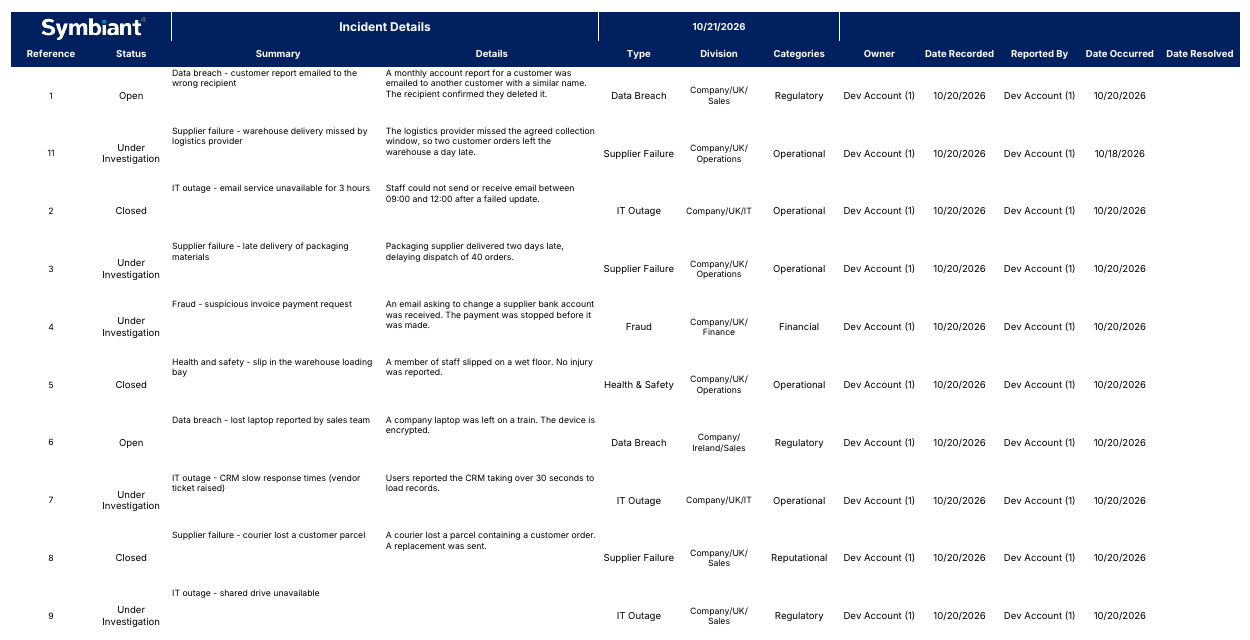
Doc Summary

How to find and generate an Excel (.xlsx) report.
Finding Excel Reports #
- Select Reports at the bottom of the left-hand menu.
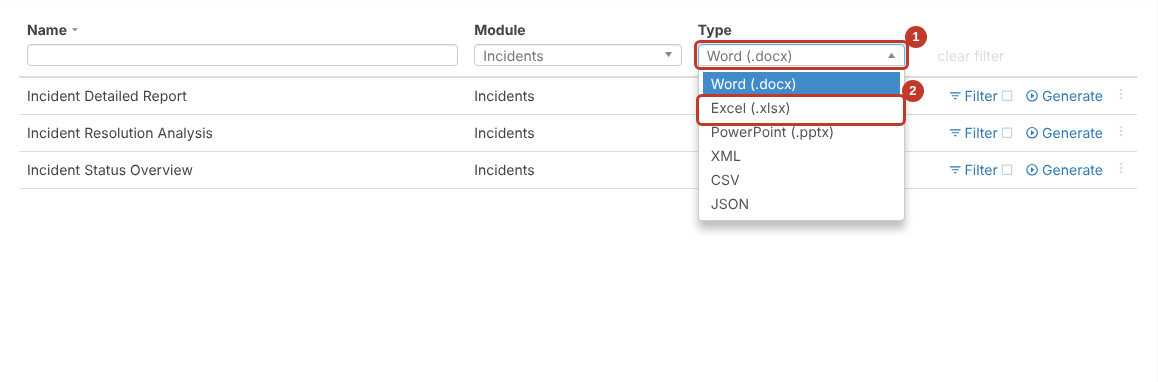
- Click the Type box (1) and choose Excel (.xlsx) (2).
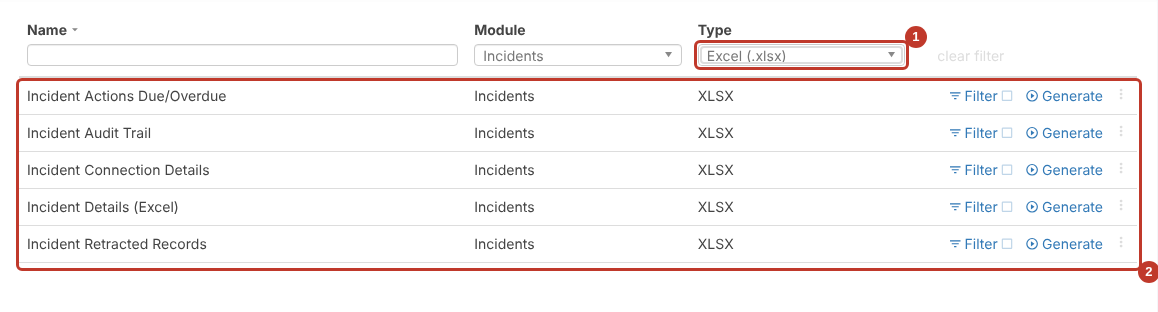
- The list now only shows Excel reports (2). You can also pick a Module to narrow it further.
Filtering the Report #
To include only some records, click Filter next to the report first. See Filtering on Reports.
Generating the Report #
- Click Generate next to the report.
- The row shows Requesting report… while it’s built. Larger reports take longer.
- The .xlsx file downloads through your browser. Open it from your downloads.