
 Doc Summary

A question’s weighting sets how much it counts towards the overall rating of a questionnaire. The higher the number, the more influence the question has.
A simple scheme is:
- Low: 1
- Medium: 2
- High: 3
You can use any numbers, as long as you use them consistently. The weighting is set on each question inside the questionnaire, and shows in brackets after the question.
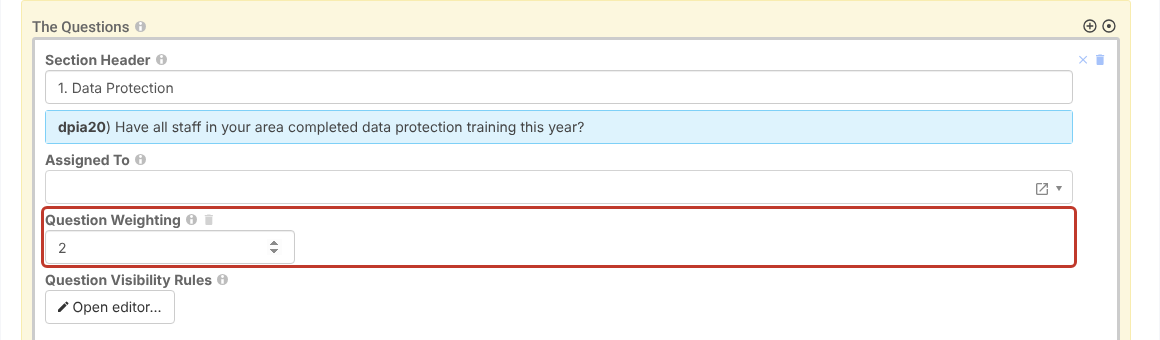
Setting a Weighting #
- Open the questionnaire (Questionnaires).
- Hover over the question and click its pencil icon.
- Enter the Question Weighting and save.
Note: To make a single answer decide the result regardless of weightings, use an override. See Adding Questionnaire Pass and Fail Override Criteria.


