
 Doc Summary

When you choose Assignees for an action, the list may not include everyone you expect.
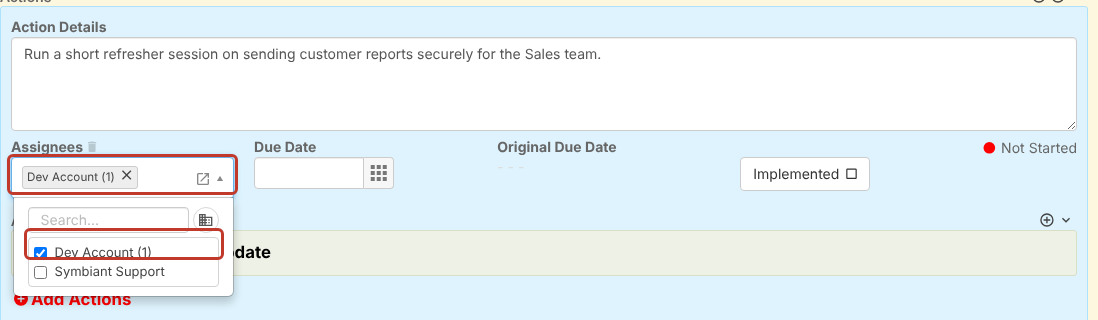
This is because the users you can assign are limited by division, and by whether they have the module’s action assignee role. If you think someone is missing by mistake, contact your Symbiant administrator.
Limited by Division (Administrators) #
A user only appears in the list if their divisions give them access to the record.
For example, if a user is only in Company/UK/Sales, they can only be assigned actions on records in Company/UK/Sales. To make them available on other records, either give them a higher division such as Company/UK, or add them to the record’s division.
To check a user’s divisions, go to Set up > Users and look at the Divisions column (1).

Limited by Assignee Role (Administrators) #
Each module has its own action assignee role, for example incident_action_assignee for Incidents and risk_action_assignee for Risks. Where the Assignees field is limited by role, only users with that module’s assignee role can be chosen.
To check whether someone has the assignee role, go to Set up > Users, open the user and look at their Roles. Assignee roles are named after the module, for example incident_action_assignee. The full list is in User Roles Reference, and Assigning Roles and Divisions shows how to give a user a role.
Note: Symbiant’s guidance is that users who only need to be assigned actions should have only the assignee role for that module. Check with Symbiant Support before giving the assignee role to users who already have other roles in the same module.


