
 Doc Summary

How to choose the register for a new risk, or move an existing risk to another register.
Applies to: Users who can edit the risk · Module: Register Risks
For a New Risk #
Select Register Risks in the left-hand menu, then the plus icon at the top right.

Choose the Register at the top of the form, fill in the other fields, and save. See Adding a Risk.

For an Existing Risk #
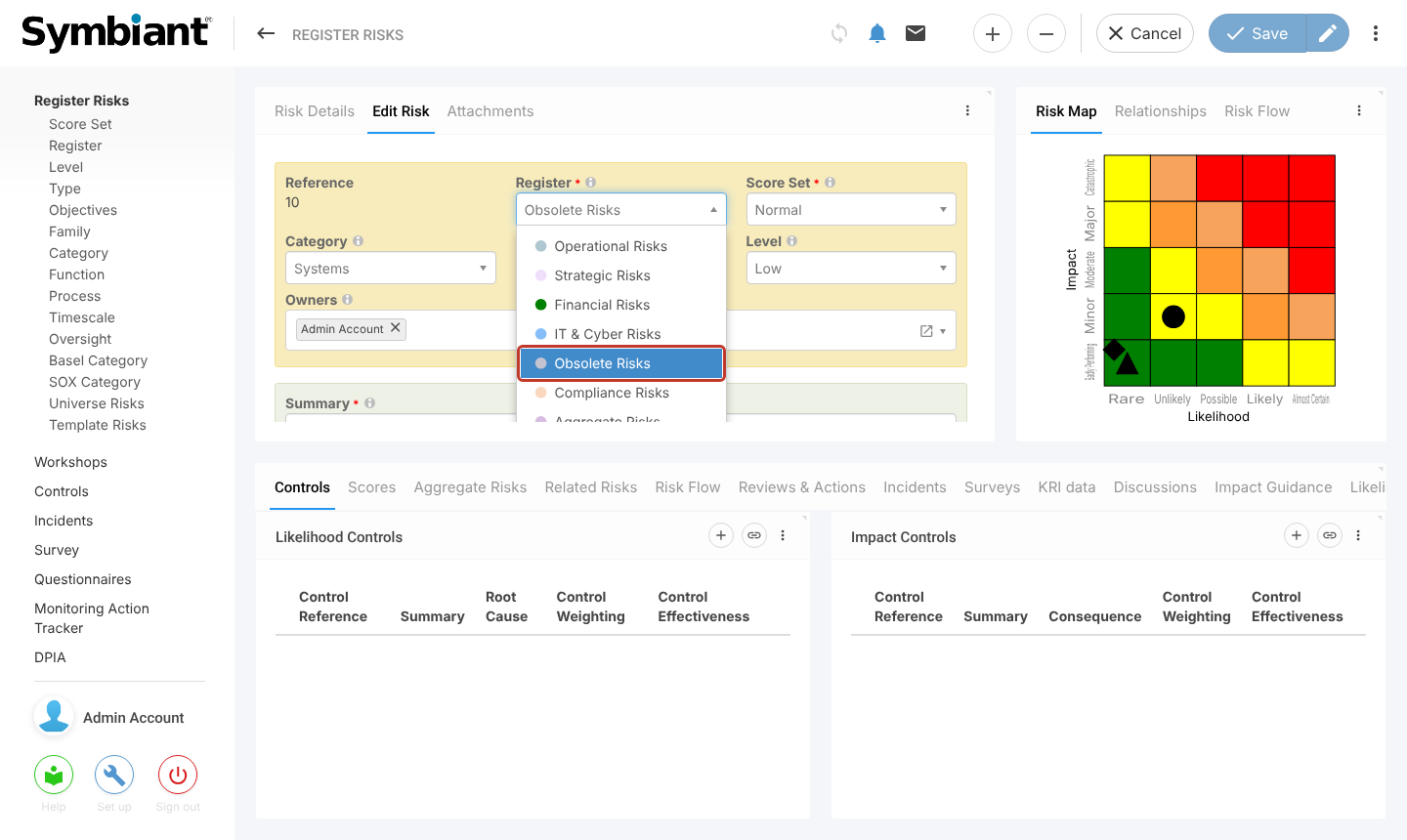
Select the risk on the dashboard, open the Edit Risk tab, and select the Register field. Choose the register you want.
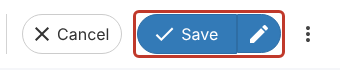
Select Save, or the pencil to save and stay on the risk.
The risk now shows under its new register on the dashboard.


