
 Doc Summary

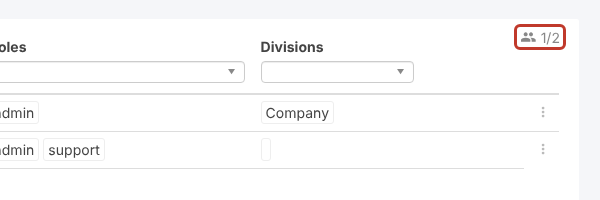
The Users screen shows how many licence seats are in use and how many your licence includes.
Steps #
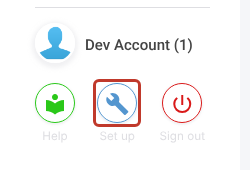
- Click the Set up spanner at the bottom left.
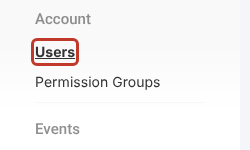
- Select Users.
- Look at the counter at the top right of the list. 1/2 means one seat is in use out of two on your licence.
Note: Only active users count. Inactive users and the Symbiant Support account don’t use a seat.
More detail: What are License Seats?. To add seats, see How do I buy more Licenses?.


