
 Doc Summary

Mark an option on a question as required so the respondent must answer it.
Making an Option Required #
- In the left menu, go to Questionnaires > Questions and open the question.
- Hover over the linked option and click the pencil icon at the right.

- Click Option Required so the box is ticked.
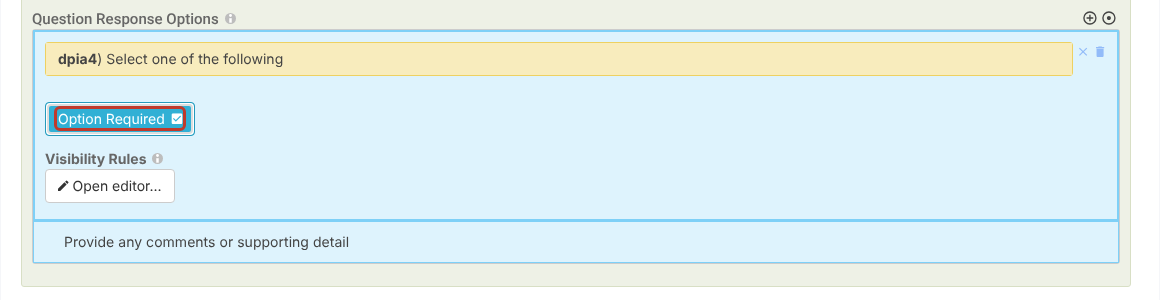
- Click Save (save and close) or the pencil icon (Save and edit) at the top right.
Note: Required is set per option, so a question with several options can have some required and some optional, for example a required Yes / No answer with an optional comments box. To show an option only after a certain answer, see Question Option Visibility.


