Doc Summary

How to add actions for adopted plans and escalate workshop risks to a risk register at the Monitor stage.
Applies to: Workshop managers · Module: Workshops and Register Risks
Before you start: the workshop must be at the Monitor stage (see Workshops Stages).
The Monitor Stage #
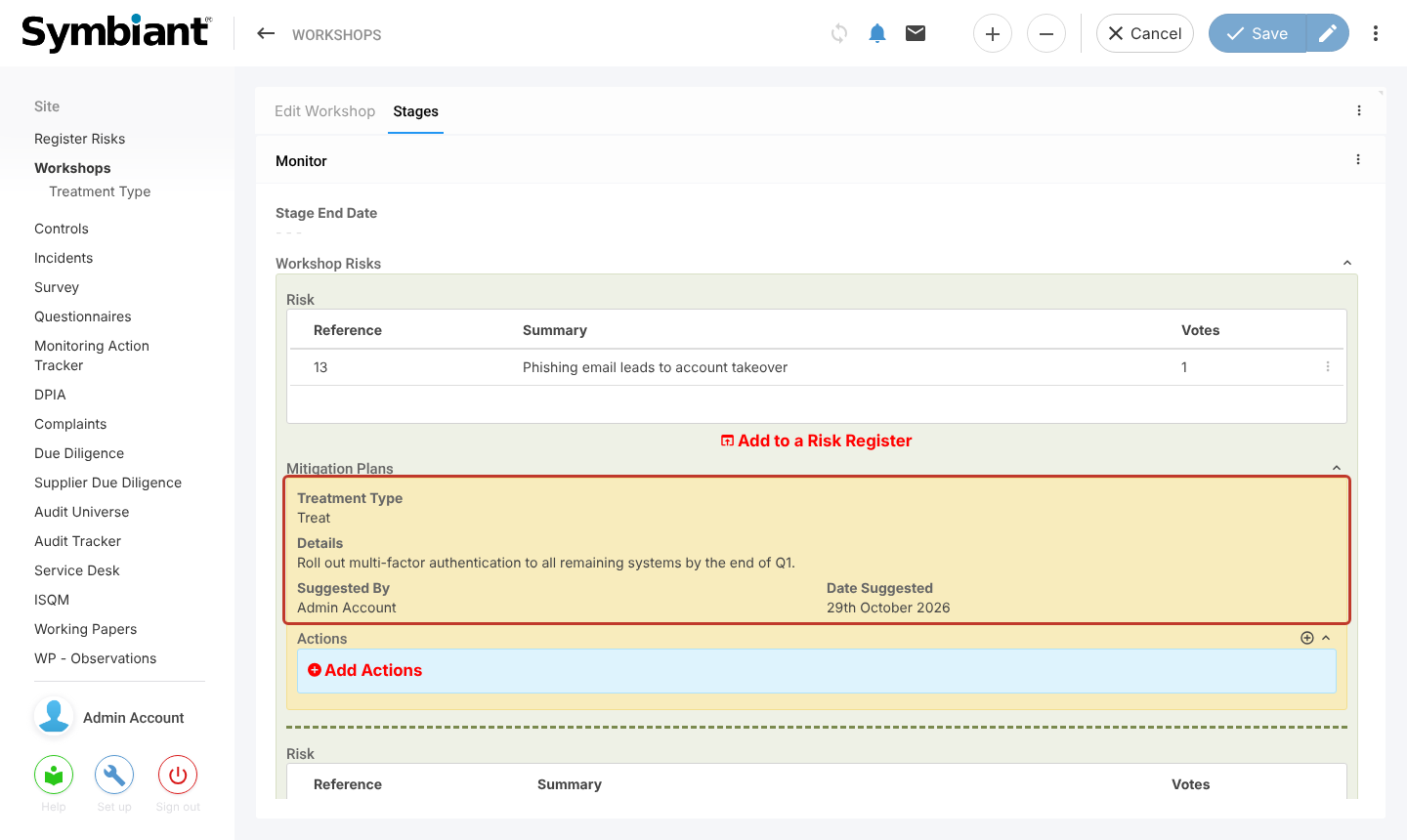
Open the workshop and select the Stages tab. Each risk shows its adopted mitigation plans.
Adding Actions #
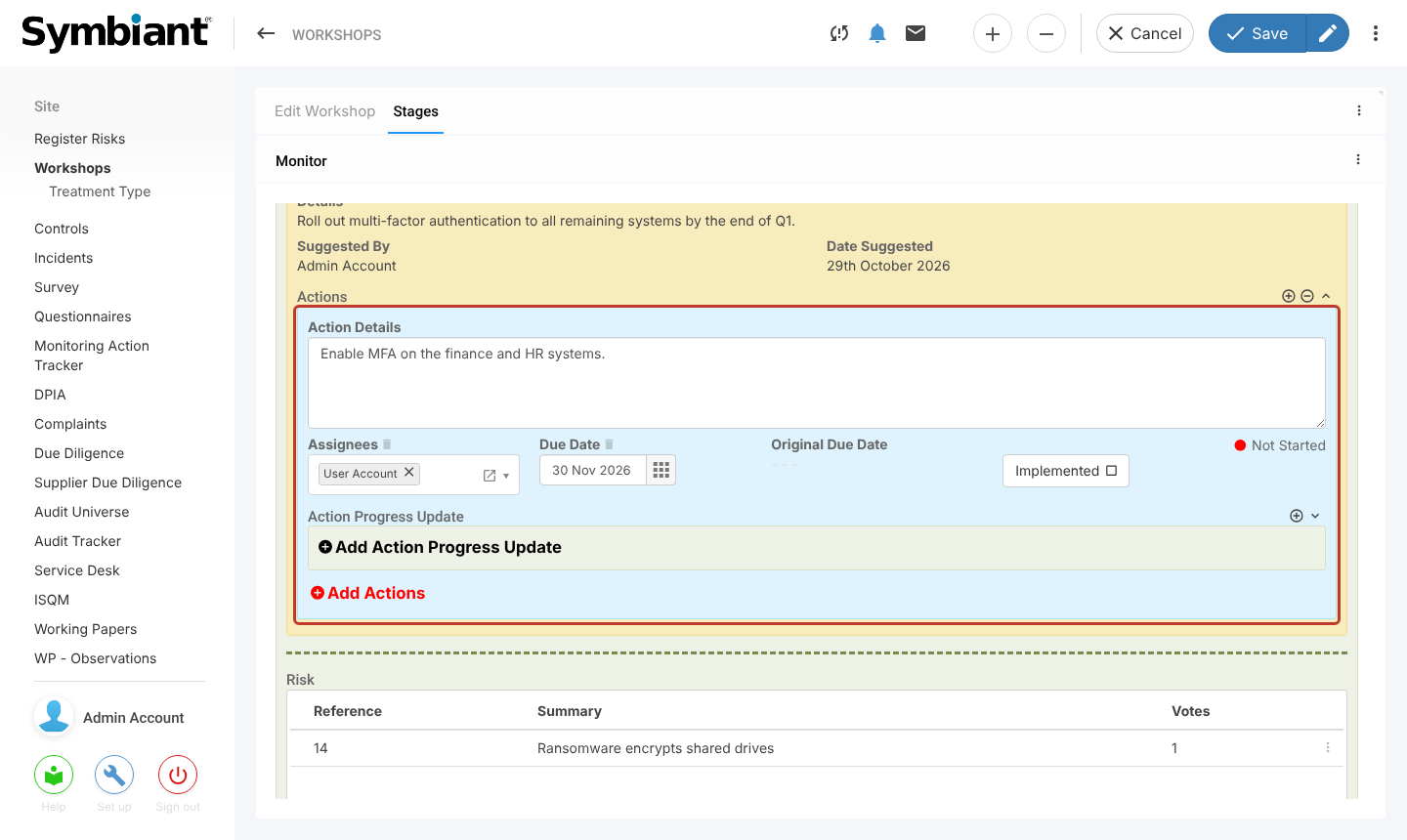
Select Add Actions under a plan. Describe the work in Action Details, choose the Assignees and set a Due Date. When the work is done, select Implemented. You can also record progress with Add Action Progress Update.
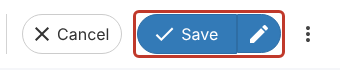
Select Save, or the pencil to save and stay on the workshop.
Escalating a Risk to a Register #
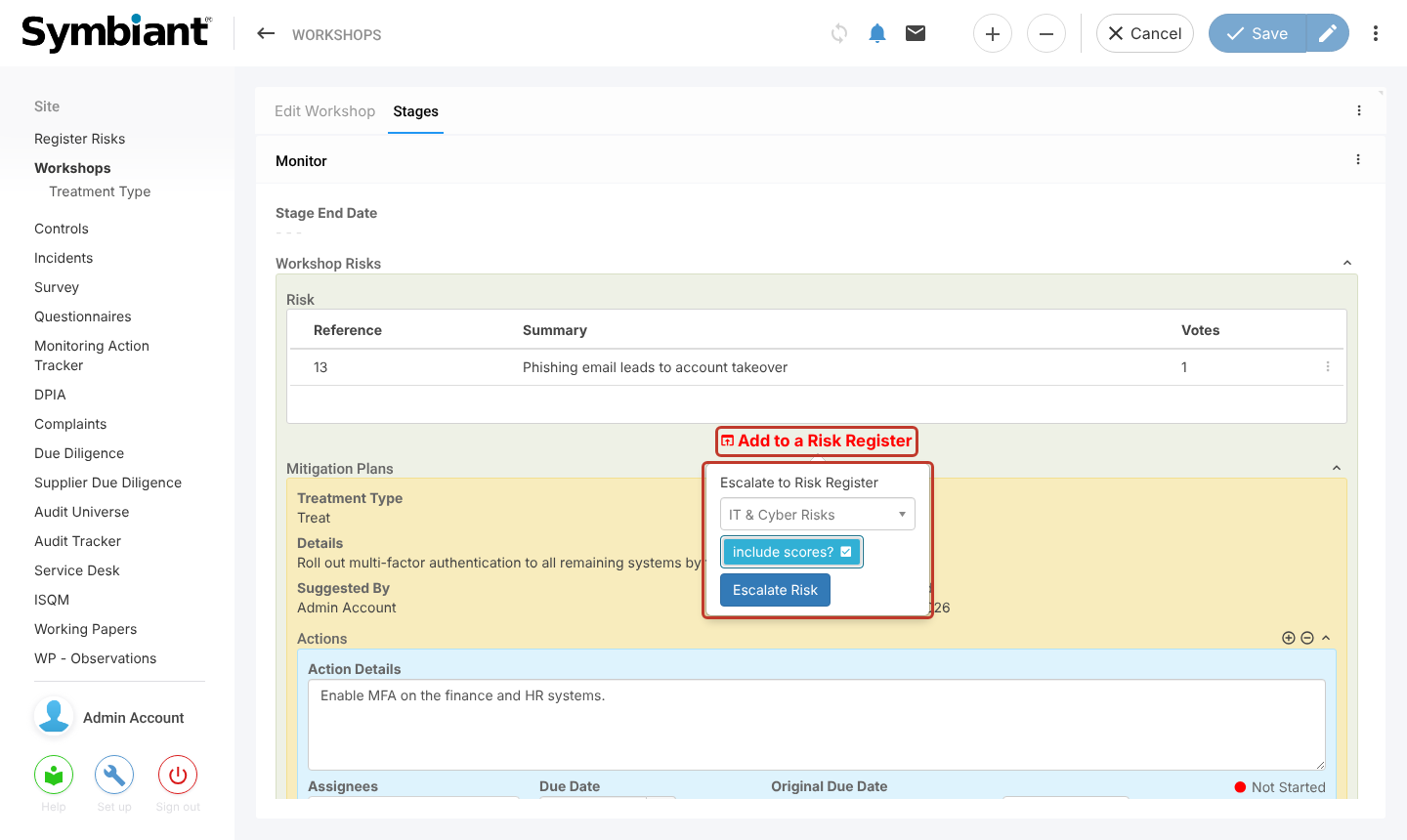
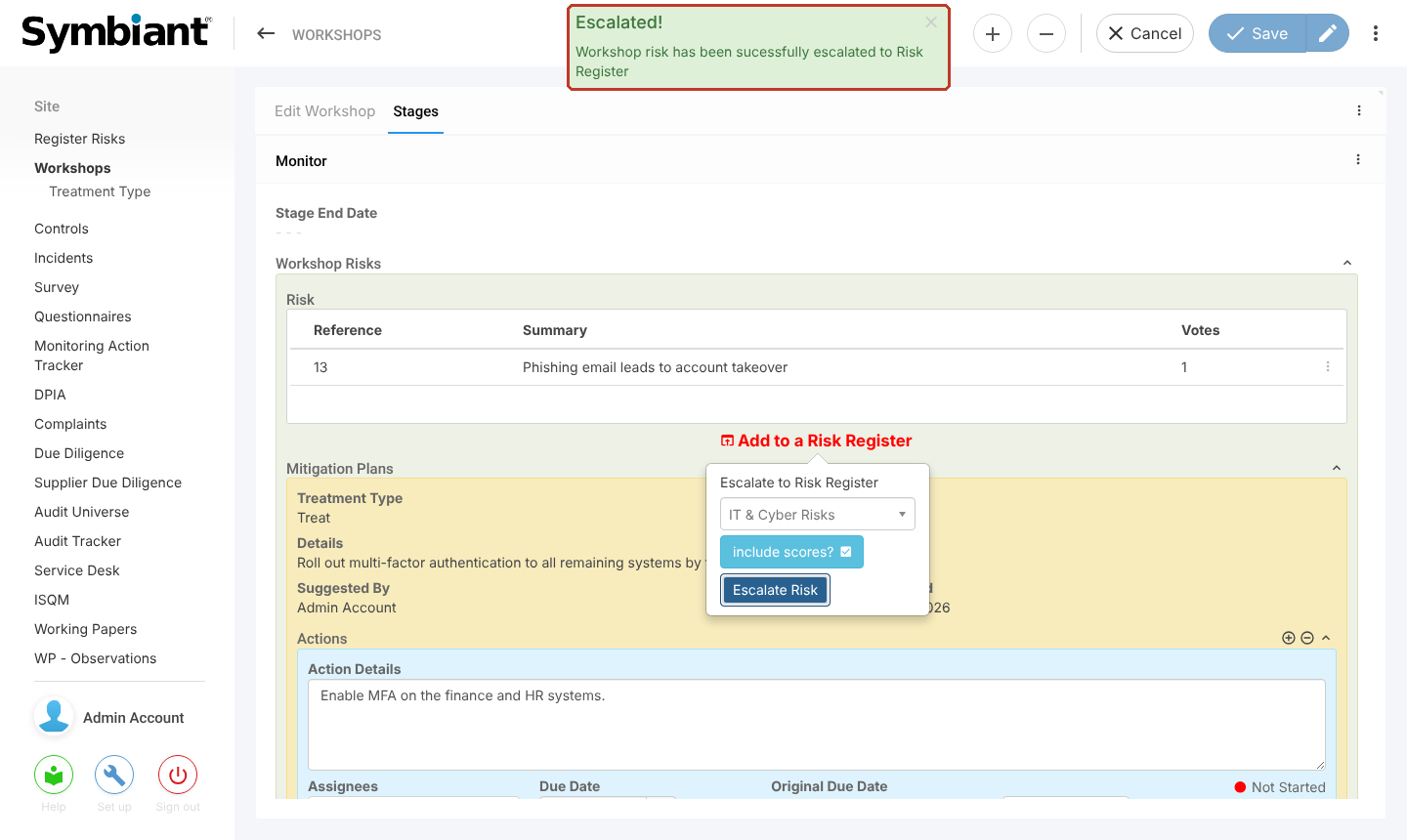
Select Add to a Risk Register under the risk. Choose the register in Escalate to Risk Register, tick include scores? to copy the workshop scores to the risk, then select Escalate Risk.
An Escalated! message confirms the risk has been added to the register.
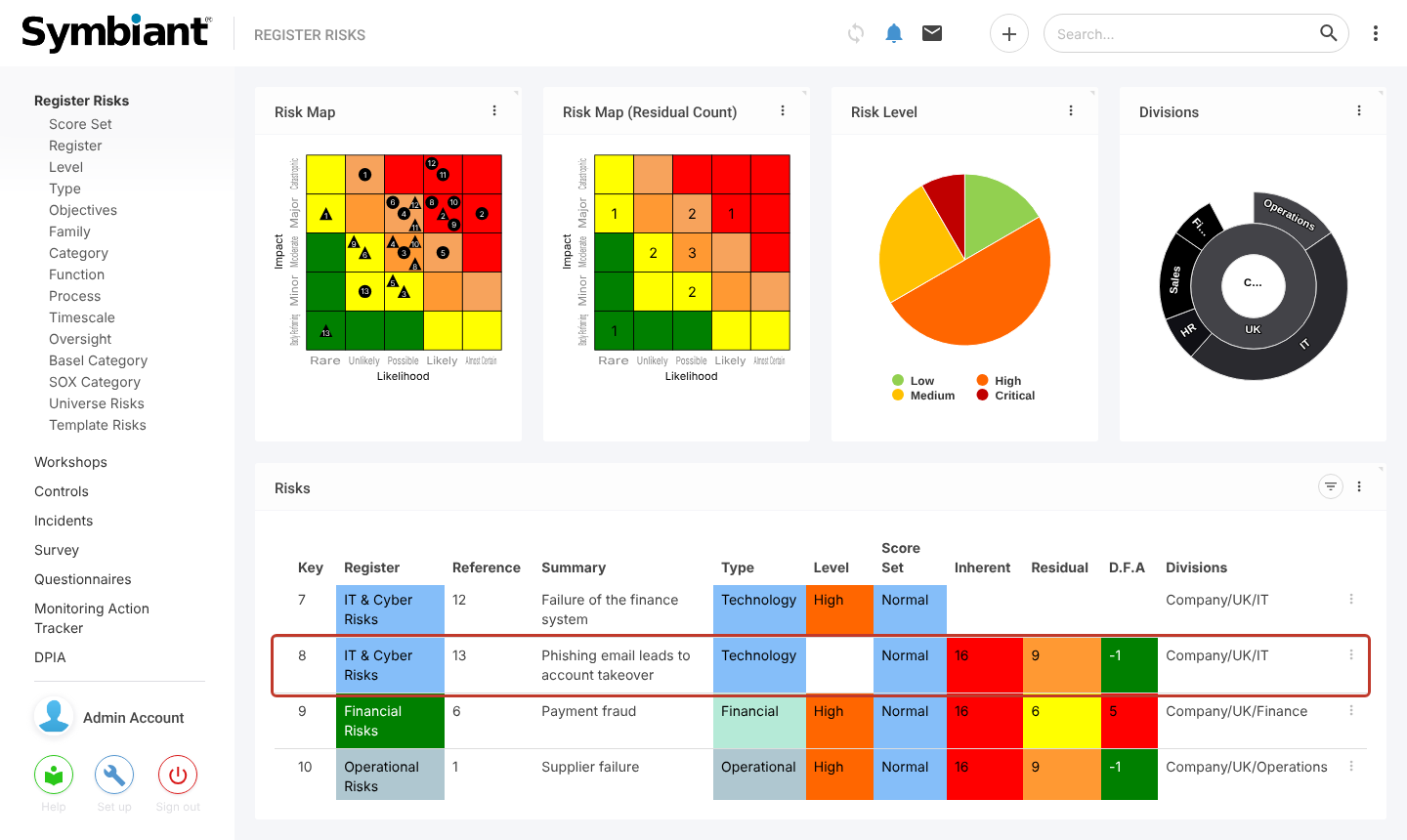
The risk now appears on the Register Risks dashboard in the chosen register, with its inherent and residual scores.