
 Doc Summary

How to generate a Controls report in Excel or Word.
Applies to: Users who have been assigned the report · Module: Controls
Accessing Reports #
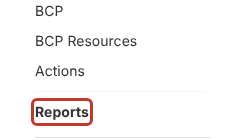
Select Reports near the bottom of the left-hand menu.
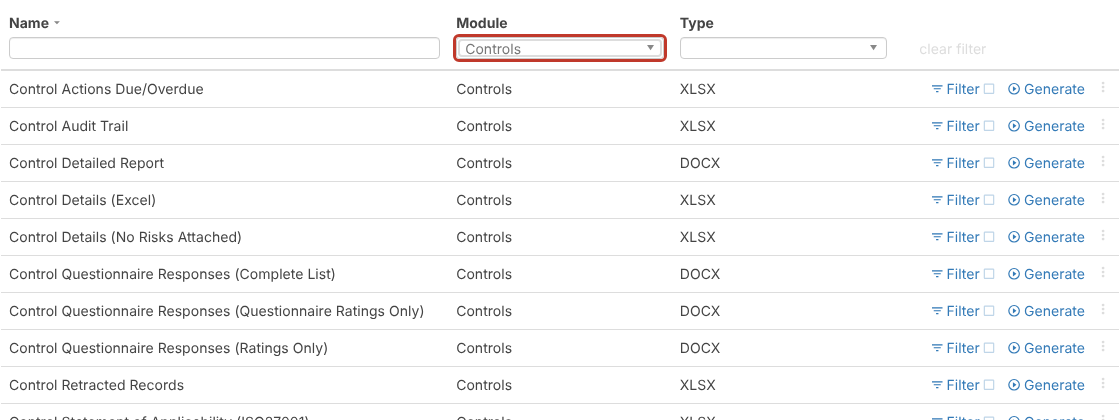
Open the Module filter at the top of the list and choose Controls. The list shows the control reports, such as Control Details (Excel), Control Detailed Report, Control Details (No Risks Attached), Control Statement of Applicability (ISO27001), the control questionnaire response reports and Control Audit Trail.
Note: Control Effectiveness reports are listed under the Register Risks module, because they report on controls through the risks they’re linked to.
Filtering a Report #
To limit the report to certain controls, select Filter on the report’s row before generating. See Filtering on Reports.
Generating the Report #
Select Generate on the report’s row.

“Generating report…” shows while the file is built, which can take a few minutes for large data sets. When it’s ready the file downloads through your browser.


