 Doc Summary

How to add a policy to the Control Policies list, so it can be attached to the controls that enforce it. Requires the Controls module.
Applies to: Users who can create control policies · Module: Controls
Opening a New Policy #
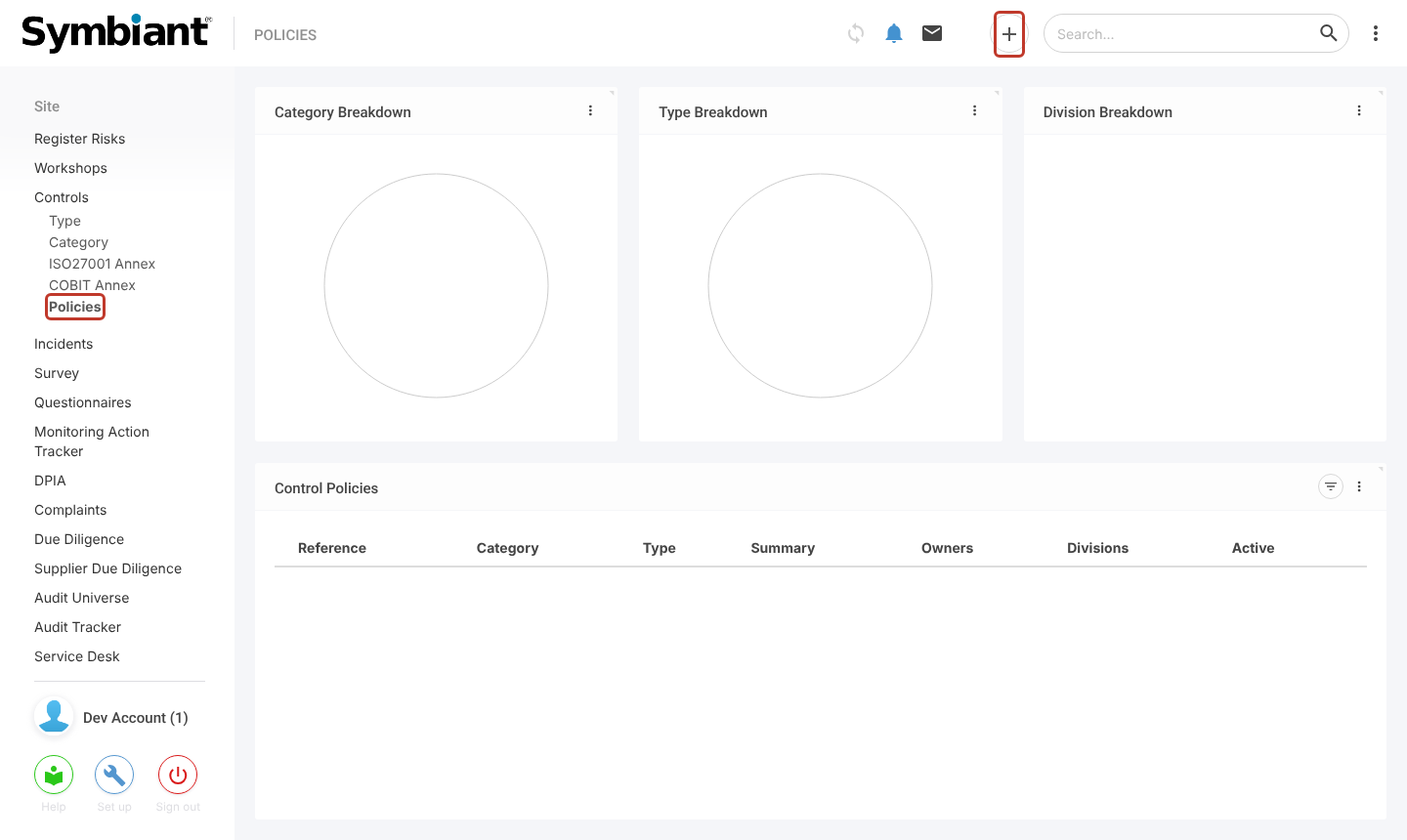
Under Controls in the left-hand menu, select Policies, then the plus icon at the top right.
Entering the Policy Details #
Enter a Summary (required), such as the policy’s name. Then fill in the other details your organisation uses: Divisions, Category, Type, Details, Owners and Policy Cost. Check the Owners are the people responsible for the policy.
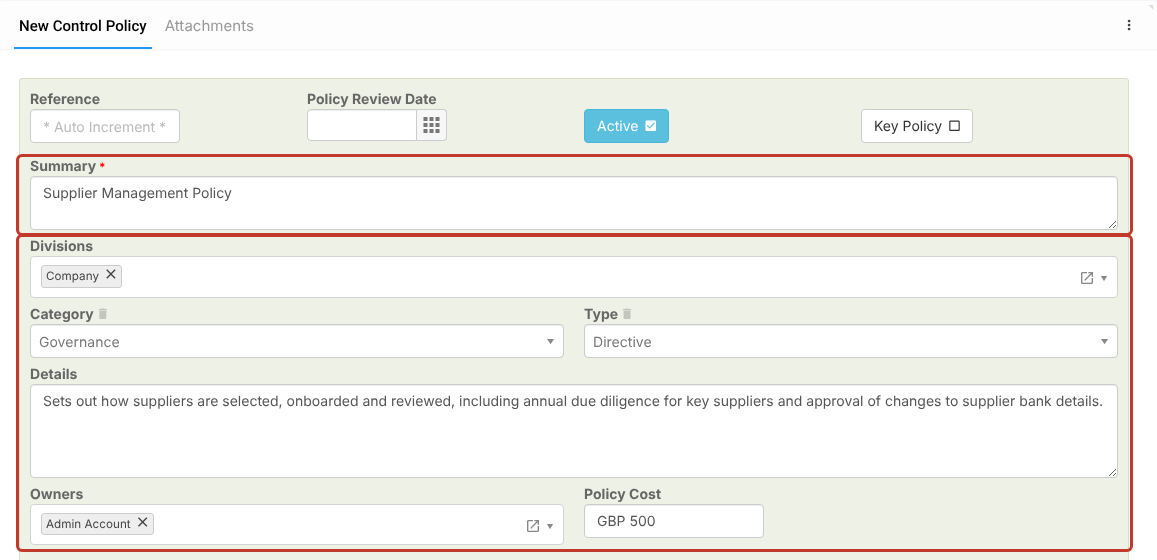
At the top of the form you can also set a Policy Review Date, untick Active for a policy that is not yet in force, and tick Key Policy for your most important policies.
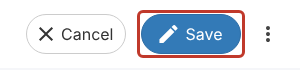
Select Save at the top right.
The Policies List #
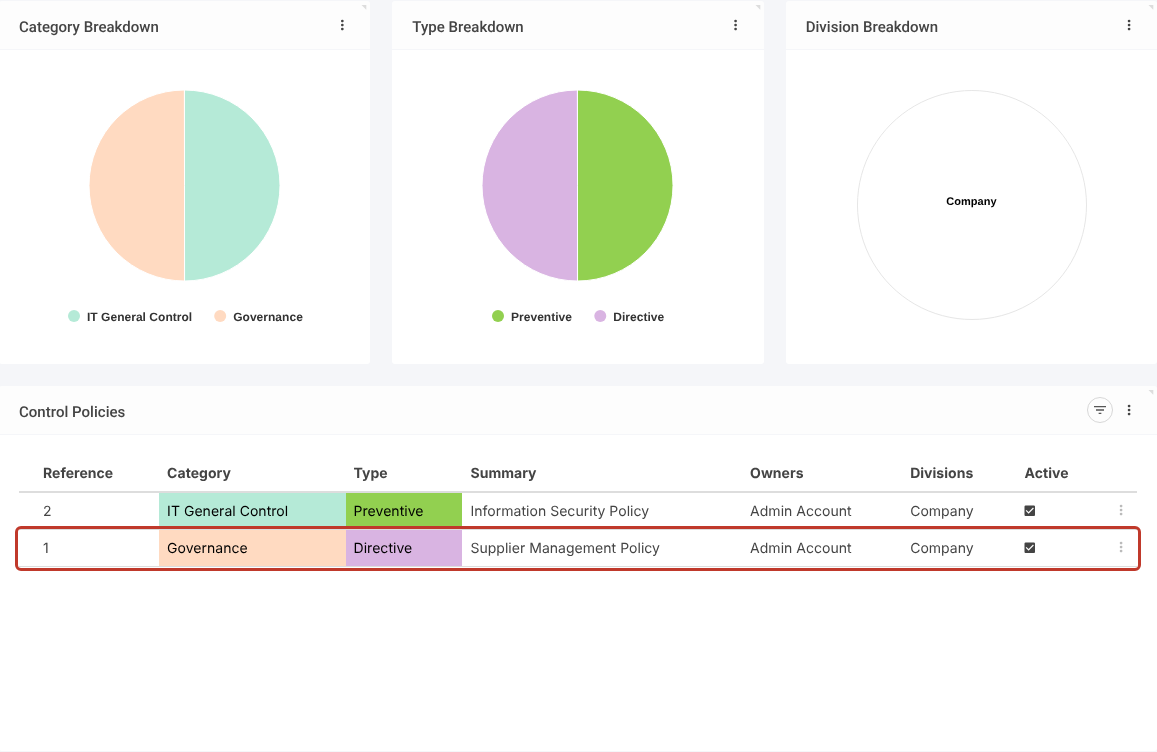
The policy is added to the Control Policies list with its own reference. Repeat these steps to build up your set of policies, ready to attach to controls.