
 Doc Summary
How to create an Audit Issue Record and Recommend and Act upon Issues
Accessing Audit Tracker #
Navigate to the Audit Tracker,
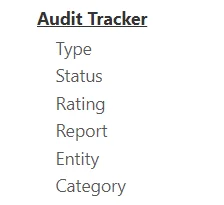
Select the Plus icon at the top right to create a new Audit Issue,

Enter Audit Issue Details #
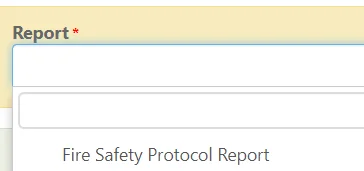
Select the Audit Report to create an issue for,
(The Audit Issue will now be linked with the Audit Report and Audit Entity)
Fill out any additional details such as giving the issue a Rating, Status and adding Descriptions,
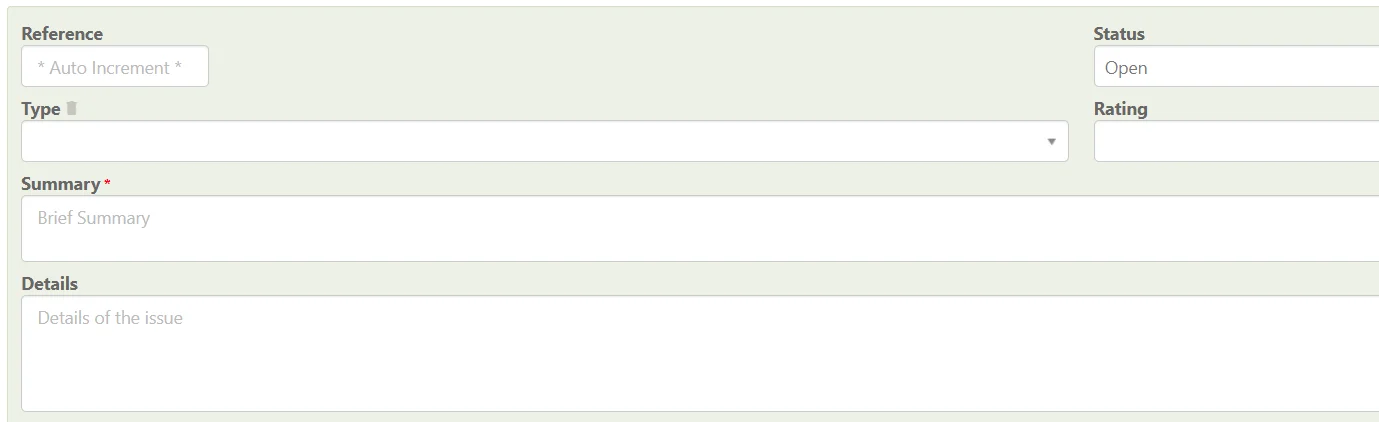
Once complete, ensure you save the Audit Issue at the top right.

Adding Recommendations & Actions #
Select the Recommendations & Actions tab,

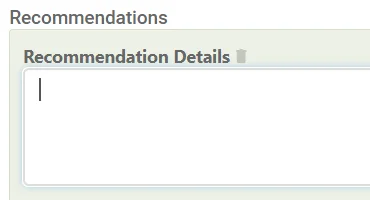
Select Add Recommendation,
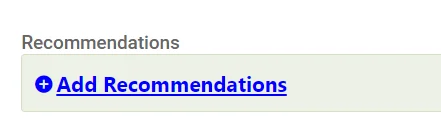
Enter the Recommendation details for the Audit Issue,
Adding Actions #
Select Add Actions,
Enter the Action Details, Assignee, Due Date and if the action has been Implemented

When finished, remember to Save at the top right (1) OR Save and Edit (Saving but remaining on the same screen) (2)

Full Audit Trail #
Once an Audit Issue has been created you have a full Audit Trail going from
Audit Entity -> Audit Report -> Audit Issue
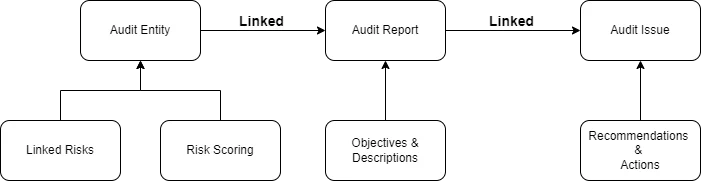
This can be viewed in a wide variety of Audit Reports. Learn More: Generating an Audit Report