Doc Summary

How to set up the document types that group documents and set their references.
Applies to: admins · Module: Document Management
Opening Document Types #
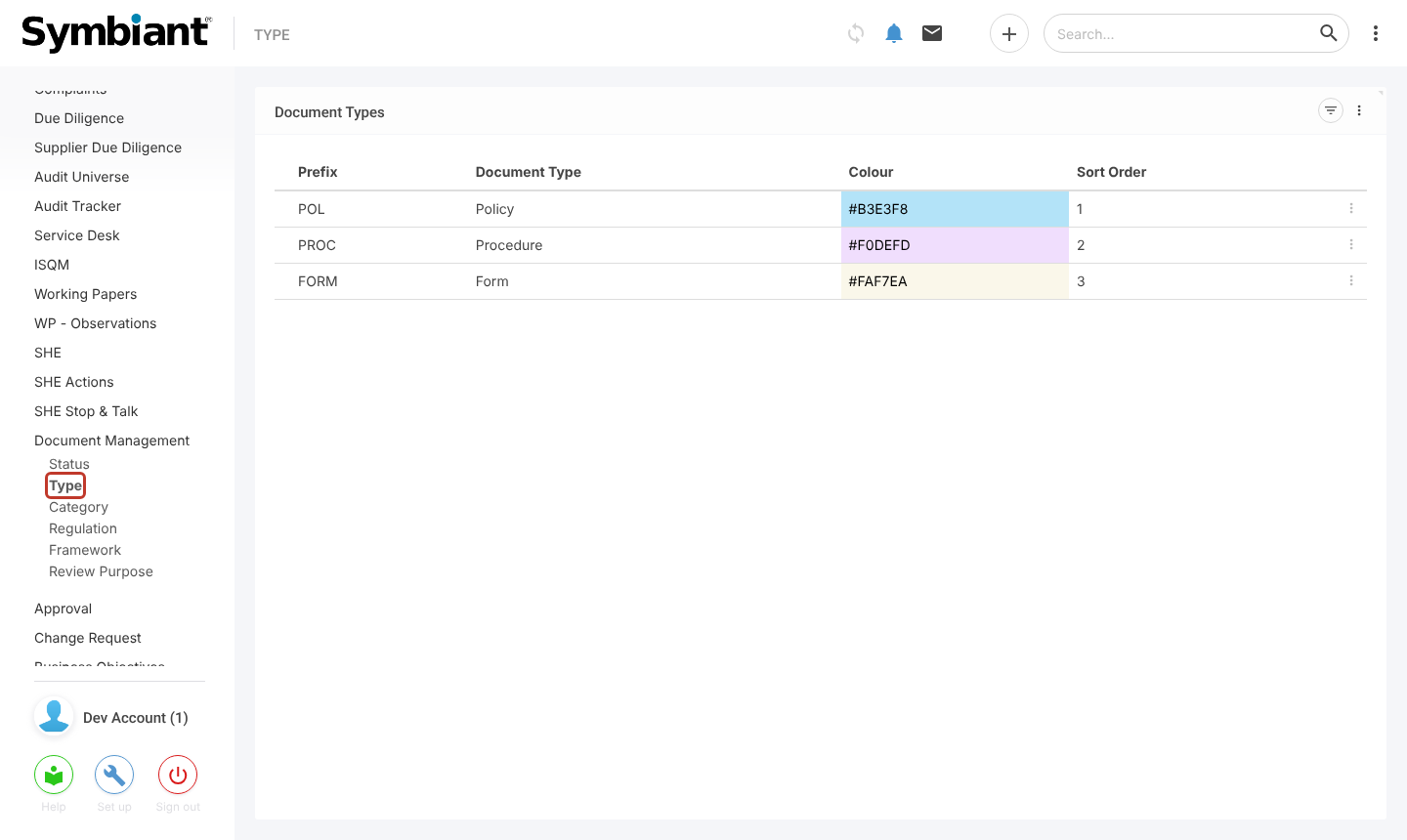
- In the left menu, under Document Management, click Type, then the + icon at the top right.
How Prefixes Work #
Document references are made from the type’s Prefix and a number that counts up. Each type has its own counter: if the last policy is POL3 and the last procedure is PROC12, the next policy is POL4 and the next procedure is PROC13.
Important: Changing a prefix after documents exist does not update the references of documents already created.
Entering the Type #
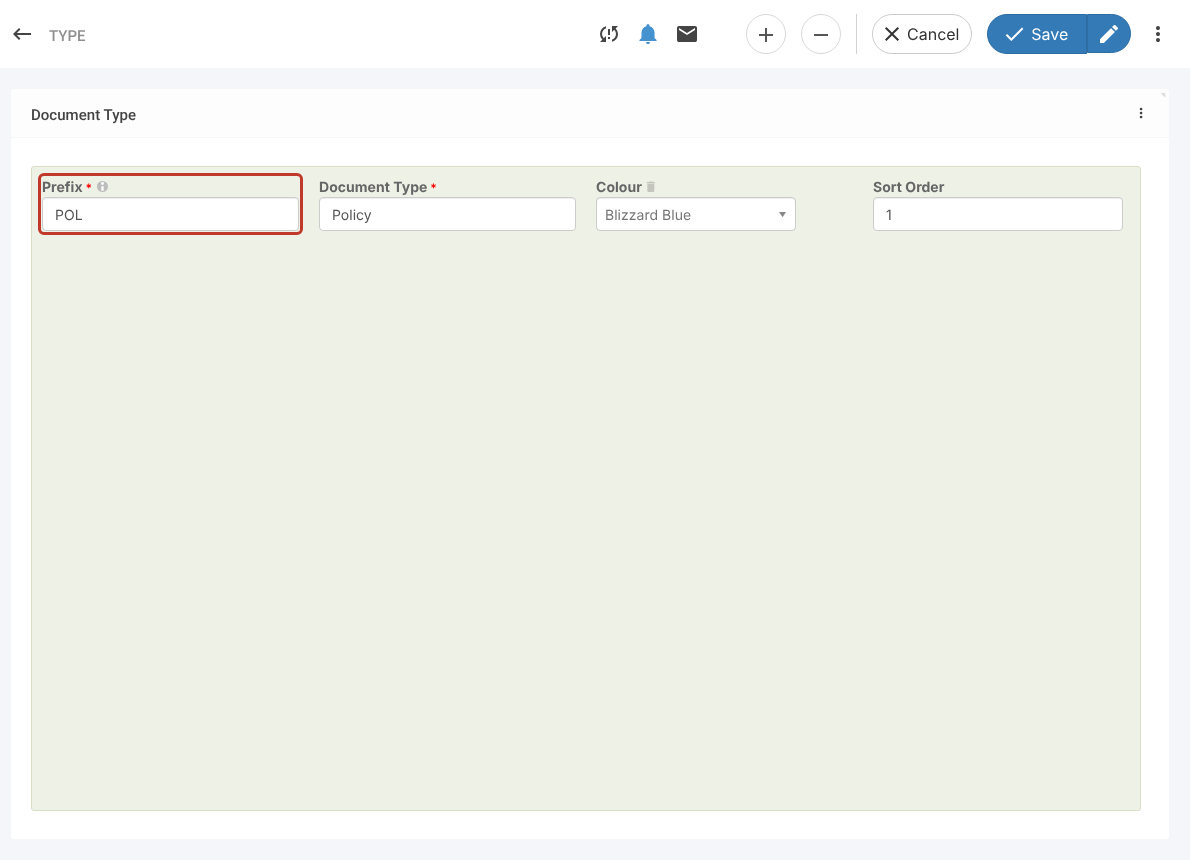
- Enter the Prefix, the Document Type name, a Colour and a Sort Order (the order the type appears in lists).
- Click Save.
Viewing Types #
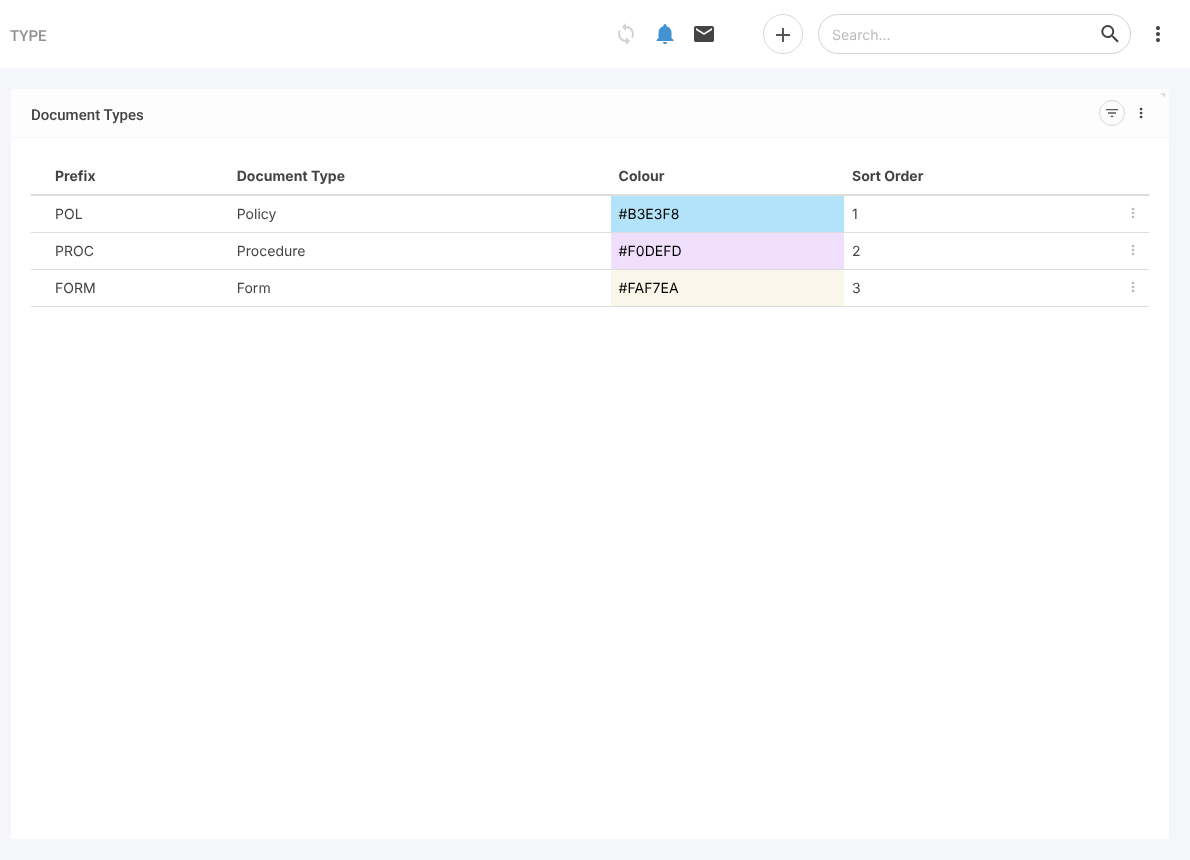
- The Type list shows every type with its prefix, name, colour and sort order. Repeat the steps to add more.