
 Doc Summary

This article shows you how to add a system-wide default translation pack, so your own wording applies to every user, including users with no locale assigned.
Applies to: System administrators (
adminrole) · Module: Set up > Translators
Accessing the Translators #
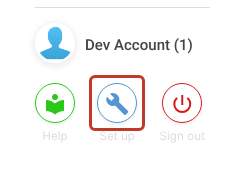
- Click the Set up spanner at the bottom left of the screen.
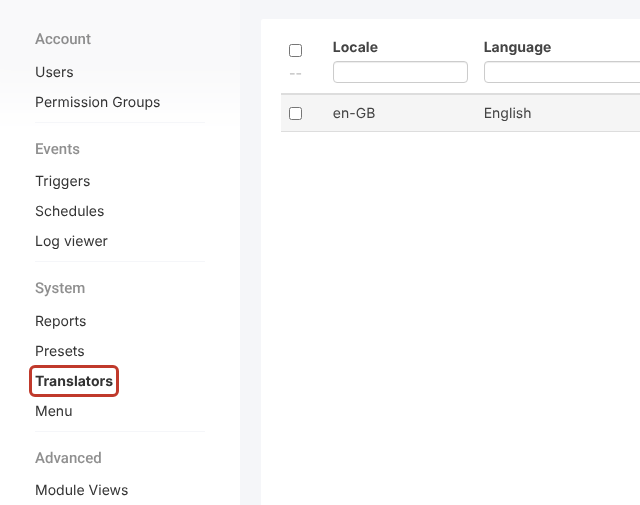
- In the Set up menu, click Translators.
Adding the Default Pack #
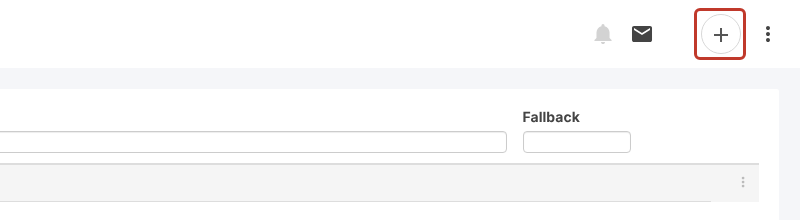
- Click the + icon at the top right.
- In Locale, enter
aa-AA. This special code makes the pack the system-wide default.
- In Language, enter a name, for example
Company default. - Optional: in Fallback, choose the pack to use for anything you don’t translate.
Critical: The locale code must be exactly
aa-AAfor the pack to act as the default.
Adding Translations #
The pack has User Translations (form and interface labels) and System Translations (system messages) tabs. Ghosted grey text is the default used when nothing is entered.
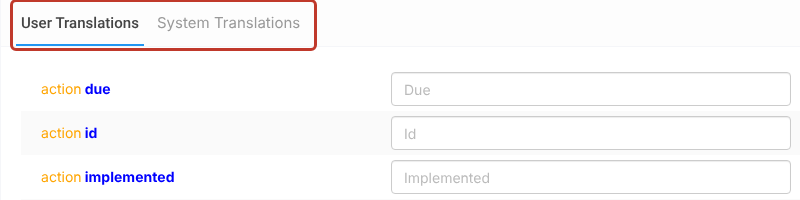
- Type your wording into the box for any label you want to change.
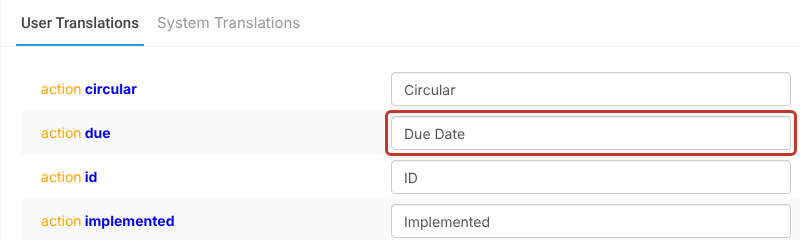
Note: Once a translation has been entered it can be changed but not removed.
Saving the Pack #
- Click Save at the top right.

- Sign out and sign back in to see your changes.
How the Default Is Used #
The aa-AA pack is always used as the default, including for users who have no locale assigned. Users with their own locale see their pack, which falls back as set in its Fallback.
To fill the pack in quickly, see Mass Editing a Newly Created Translation Pack and Importing a Translation Pack.


