
 Doc Summary

Instead of adding divisions one at a time, you can paste in a whole structure at once with Bulk add.
Note: Applies to: admins with access to Set up > Permission Groups.
Opening the Permission Group #
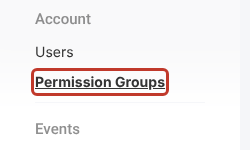
- Click the spanner (Set up) at the bottom left, then Permission Groups.
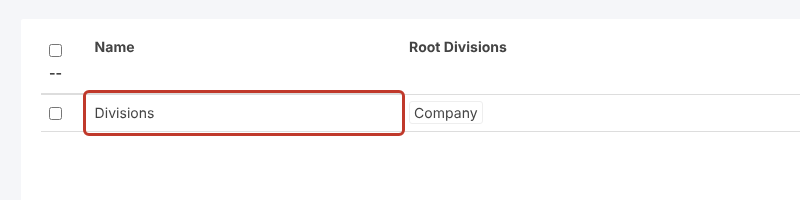
- Click the permission group you want to add to (for example Divisions).
Adding the Divisions #
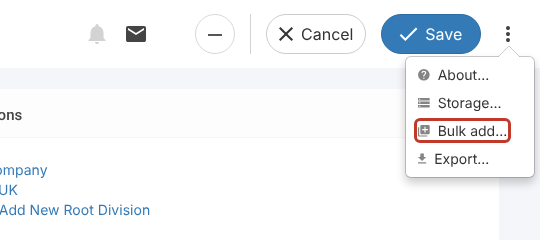
- Click the three dots (⋮) at the top right, then Bulk add….
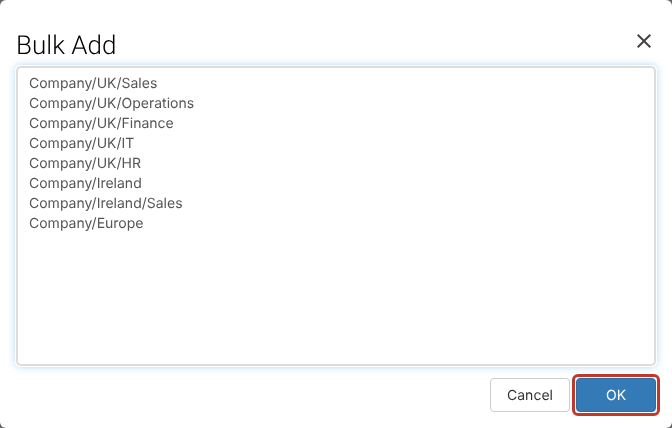
- The Bulk Add box shows an example of the format.
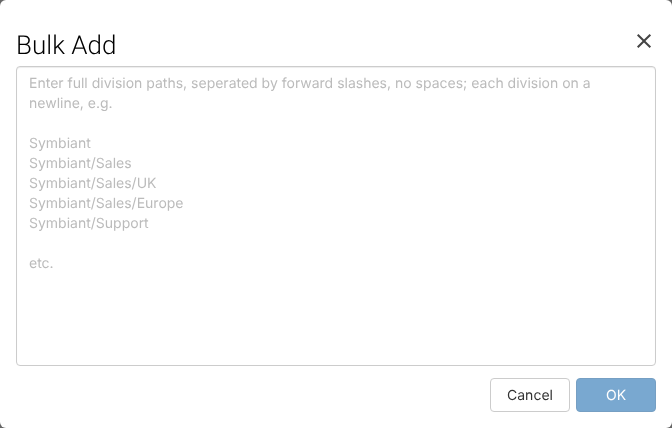
- Enter one division per line, as its full path from the top of the tree, with a forward slash (/) between levels and no spaces around the slashes. For example: –
Company–Company/UK–Company/UK/Finance - Click OK.
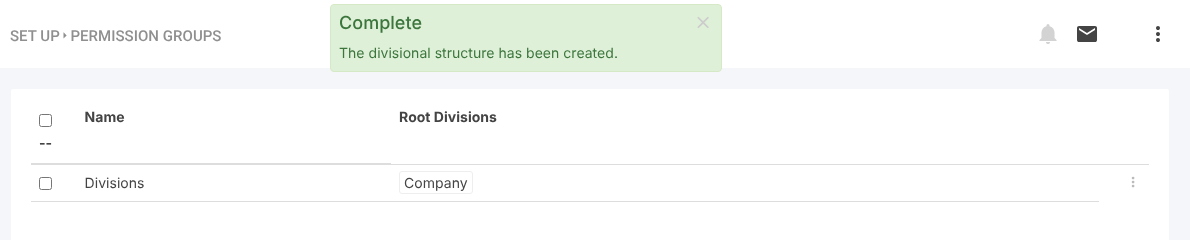
A Complete message confirms the structure has been created, and the new divisions appear in the tree, ready to assign to users and records.
Critical: Don’t enter the same division path more than once.
Tip: To start from your current structure, export it first. See Exporting Divisions.


