
 Doc Summary

Use Assume to move everything one user owns to another user in one step, for example when someone leaves or changes role.
Note: Applies to: system administrators (admin role).
What Gets Transferred #
Everything linked to the old user moves to the user you’re working on:
- records they created,
- records they own (the Owners field),
- actions assigned to them.
Critical: This moves all ownership from the selected user and can’t be undone in one step. Check you have the right two users before you confirm.
Opening the Receiving User #
- Click the Set up spanner at the bottom left.
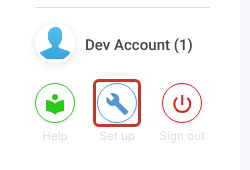
- Select Users.
- Click the user who will receive the ownership.

Transferring Ownership #
- Click the three dots (⋮) at the top right and select Assume….
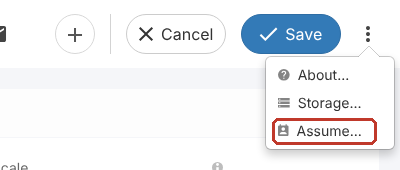
- In Assume Ownership Of, pick the user you’re taking ownership from.

- Click Give Ownership, then confirm.

The records and actions now belong to the receiving user. You can now deactivate or delete the old user.


