
 Doc Summary

This article shows you how to fill in a new translation pack quickly by downloading the template, editing it in a spreadsheet and importing it.
Applies to: System administrators (
adminrole) · Module: Set up > Translators
Before you start #
Create the pack first. See Adding a Translation Pack.
Accessing the Translators #
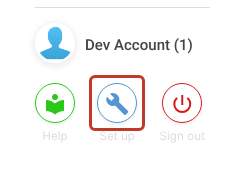
- Click the Set up spanner at the bottom left of the screen.
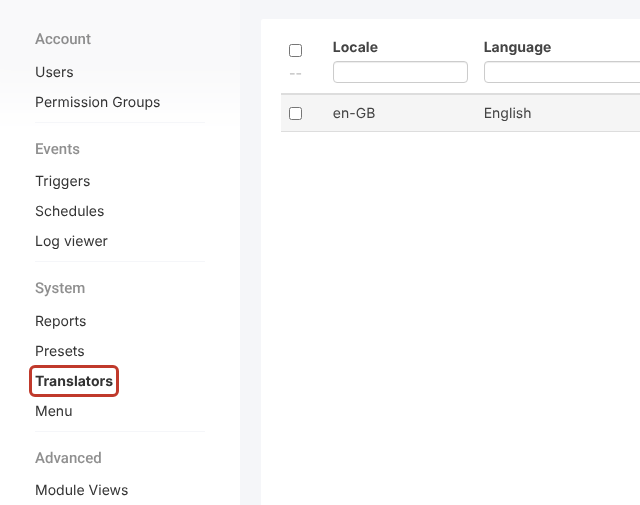
- In the Set up menu, click Translators.
- Click the translation pack you created.
Downloading the Template #
- Click the three dots (⋮) at the top right, then Template….
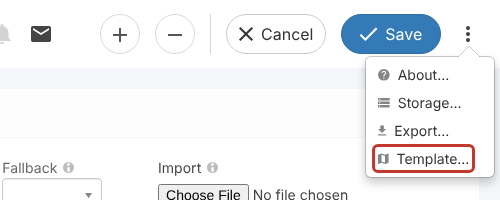
A file called trans_template.csv downloads. Unlike an export, the template has the default text for every label filled in, which makes a good starting point.
Mass Editing #
- Open the template in a spreadsheet program.
- Replace the text in the Translation column (column C) with your wording or language. Leave the Dict and Attribute columns untouched.
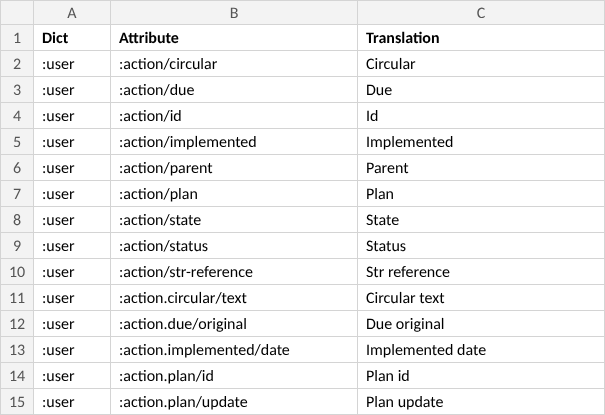
- Save the file as CSV (UTF-8).
Critical: The layout of the file must stay the same: only three columns (Dict, Attribute, Translation), each in the same position. If the layout changes, the file can’t be imported.
Importing the Edited File #
When you’ve finished, import the file into your pack. See Importing a Translation Pack.


