
 Doc Summary

How to answer the questionnaire on a DPIA record.
Applies to: DPIA owners and users with a DPIA role that can edit records · Module: DPIA
Opening the Questionnaire #
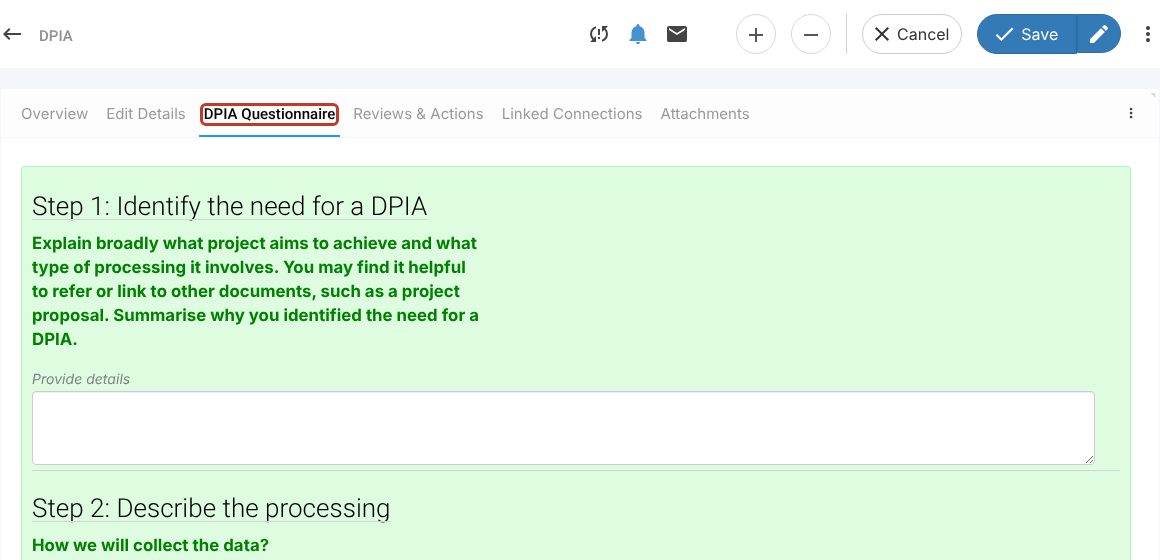
- In the left menu, click DPIA and open the DPIA record.
- Click the DPIA Questionnaire tab.
Answering the Questions #
- Answer the questions on the page. The standard questionnaire is set out in steps (for example “Step 1: Identify the need for a DPIA”) with guidance under each heading.
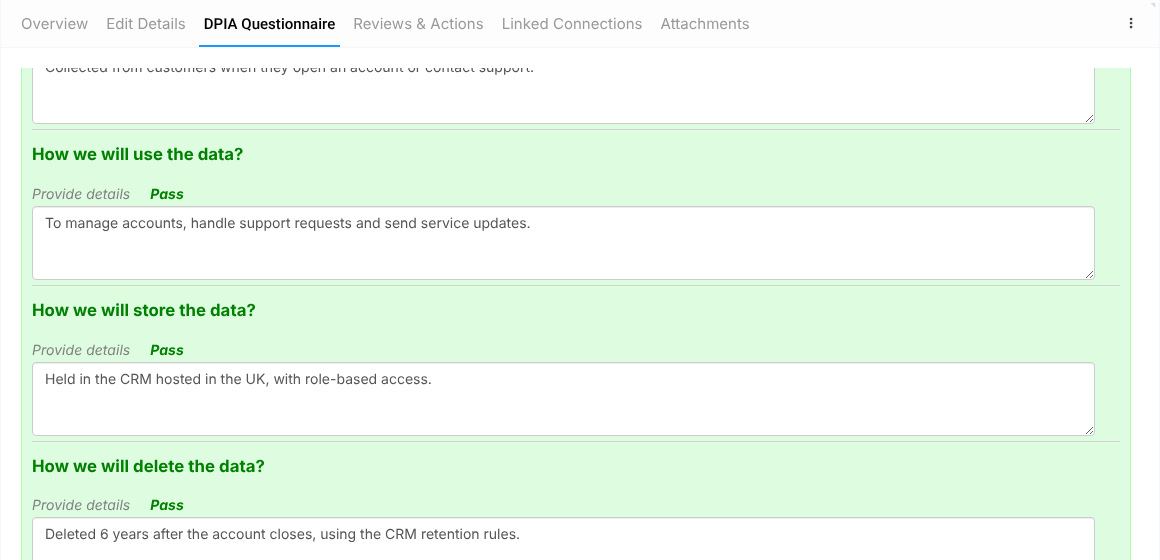
- Click Next to move to the next page and Prev to go back. The bar at the bottom shows how much has been answered, and each answer shows its result.
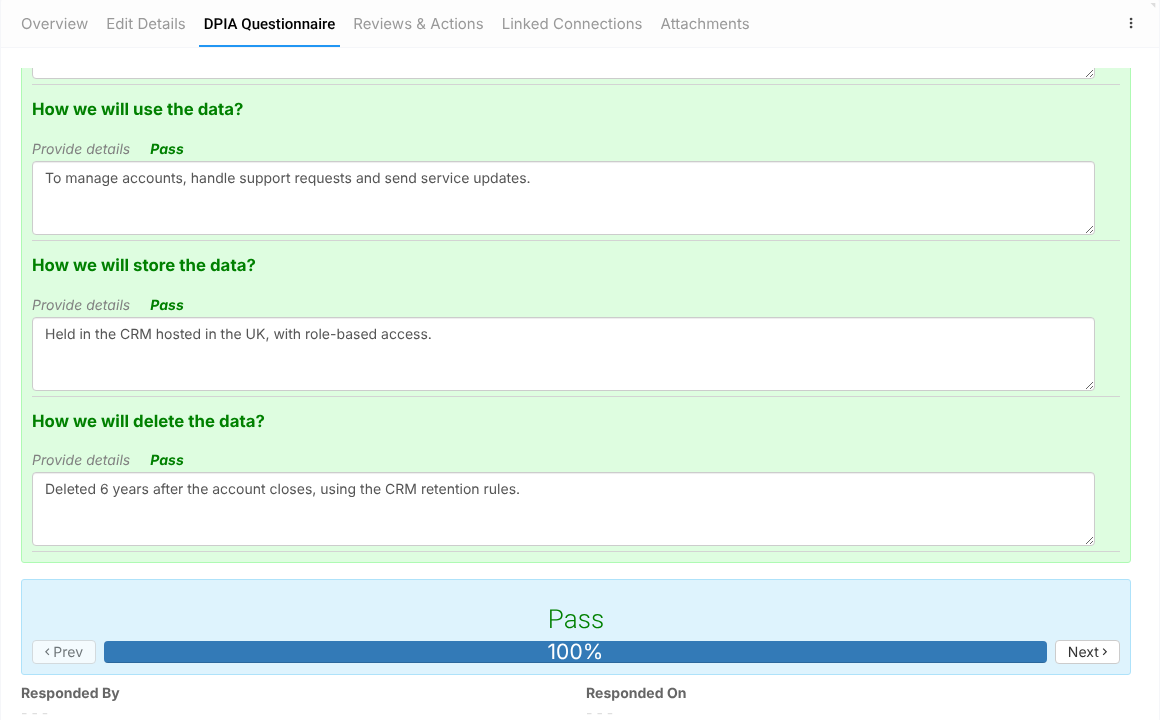
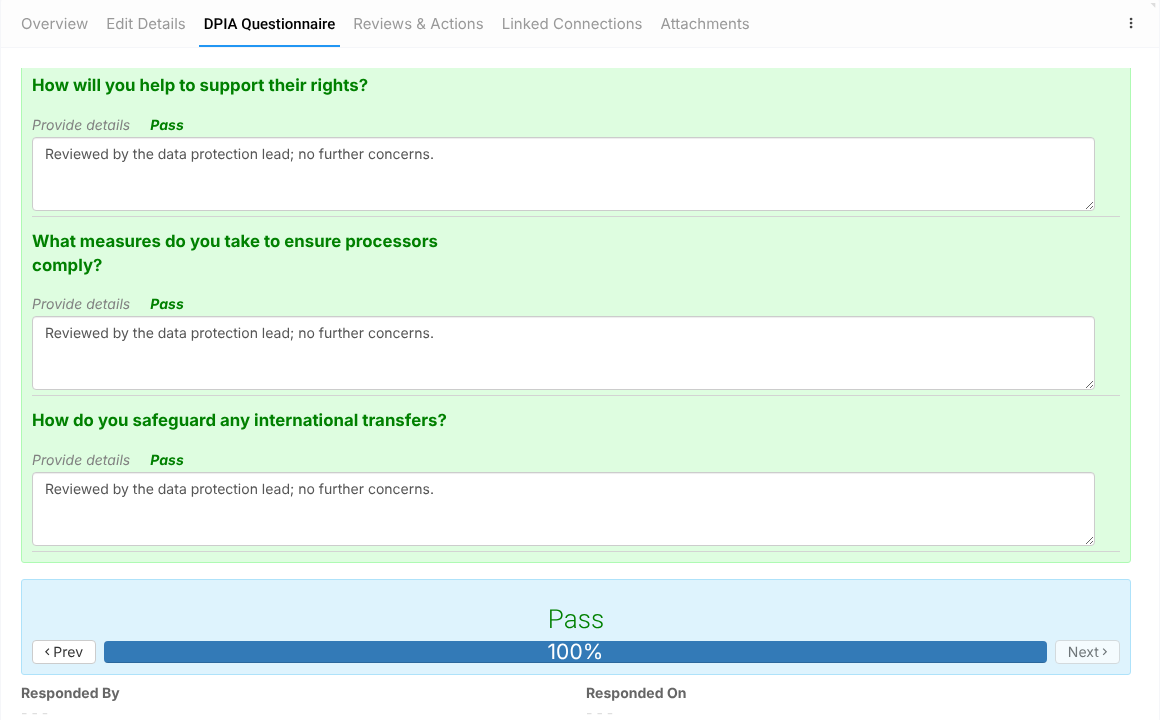
- When every question is answered, the bar shows 100% and the overall rating appears above it. Responded By and Responded On are filled in when you save.
Saving #
- Click Save (save and close) or the pencil icon (Save and edit) at the top right. You can save part-way through and come back later.


