
 Doc Summary

How to add a new business objective.
Applies to: users who can create Business Objectives records. Module: Business Objectives.
Adding the Objective #
- Select Business Objectives in the left-hand menu.
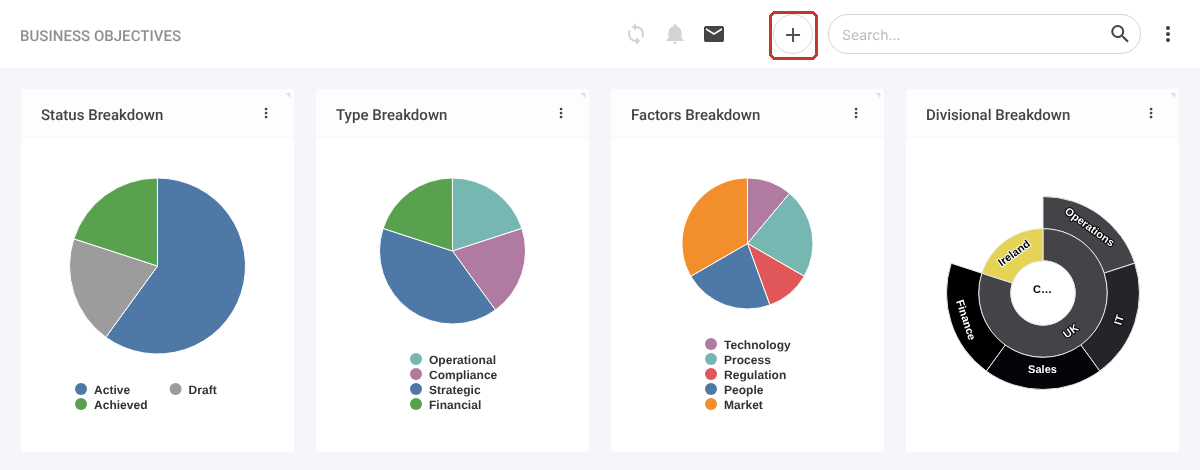
- Click the + icon at the top right.
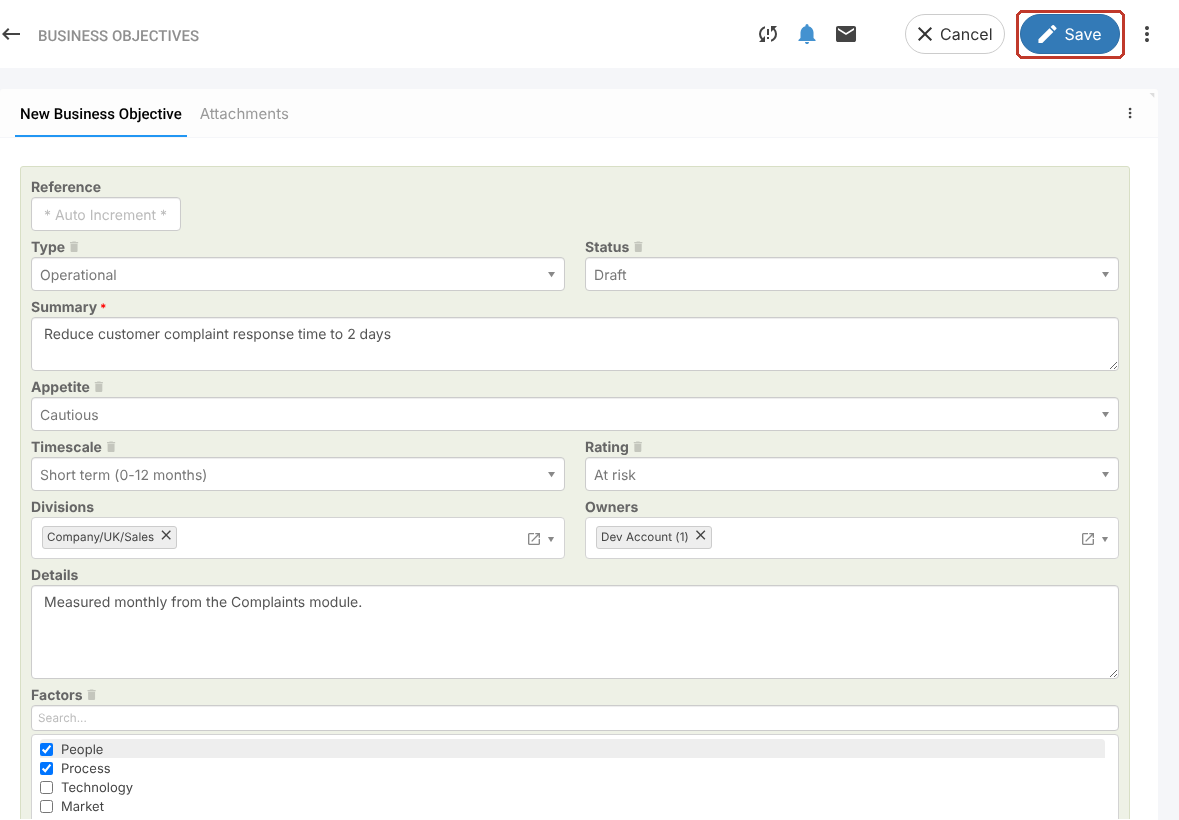
- Choose the Type (for example Strategic or Operational) and Status (for example Draft).
- Enter a Summary (required).
- Choose the Appetite, Timescale and Rating.
- Tick the Divisions and check the Owners.
- Add Details and tick the Factors that influence the objective.
- Set a Review Date, an Expiry Date and a Cost if you track them.
Saving #
Click Save. The objective gets its reference and you can then connect risks, add reviews or attach files.


