
 Doc Summary
How to Create a Complaint Record
Navigate to Complaints #
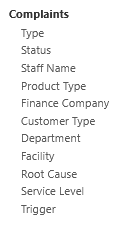
Navigate to Complaints in the left menu,
Select the Plus icon from the top right,

Fill Out the Complaint Details #
Enter the Details for this Complaint, including extensive information about the Contact Details and Customer that this Complaint is being logged for,
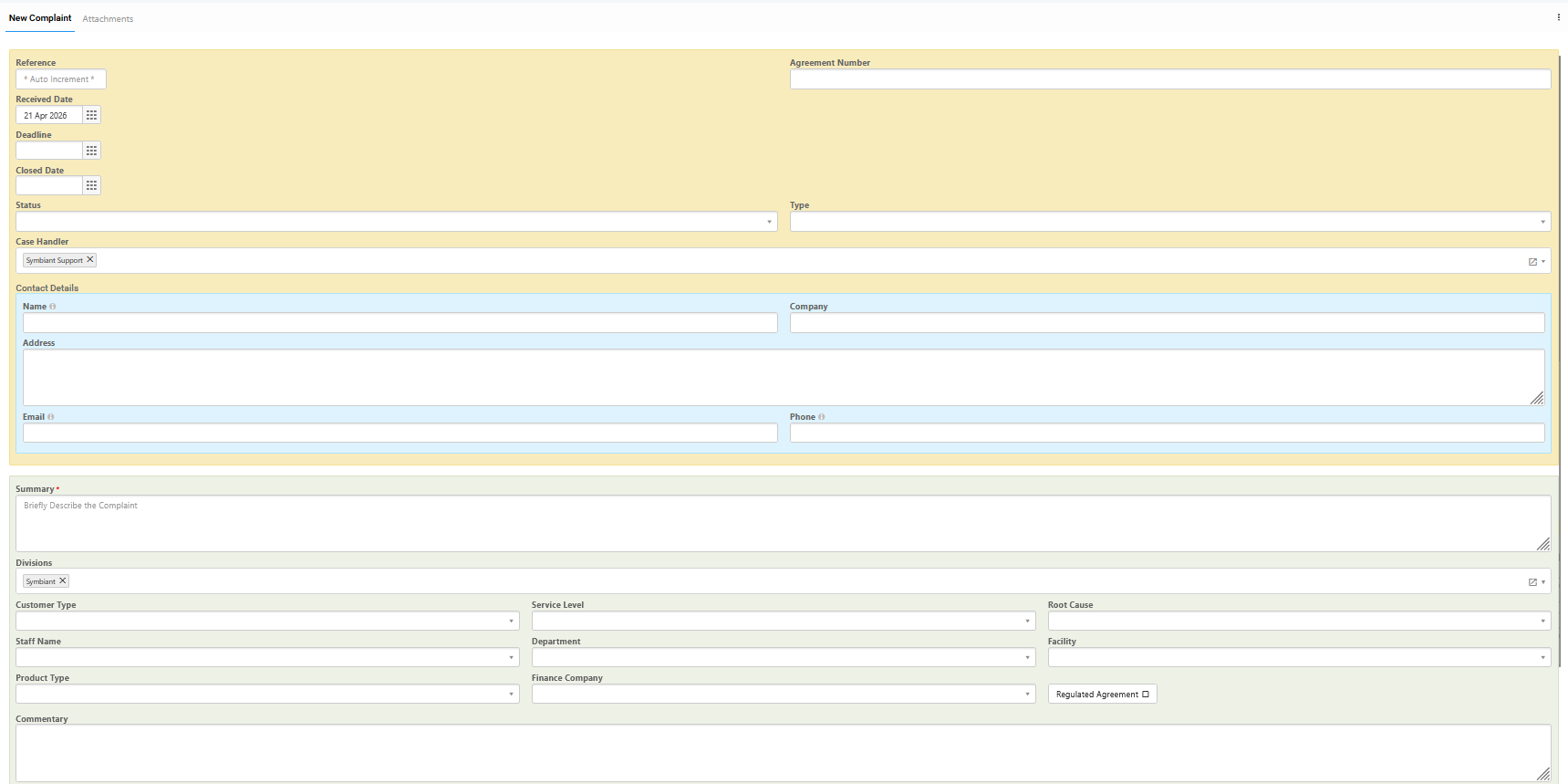
If a drop-down field (such as ‘Customer Type’) contains no values, please ensure that an administrator or module admin has added values. For more information, please see this guide.
When finished, save at the top right.