Doc Summary

What the Risk Universe is, how it differs from the risk registers, and how to move a risk from the universe into a register.
Applies to: All users · Module: Register Risks
What the Risk Universe Is #
The Risk Universe holds every risk in your system, whether or not it has a register. The Register Risks dashboard only shows risks that have a register.
Risks in the universe with no register are usually new or emerging risks that are not yet managed, for example risks raised in a workshop, or ideas that still need agreeing.
Opening the Risk Universe #
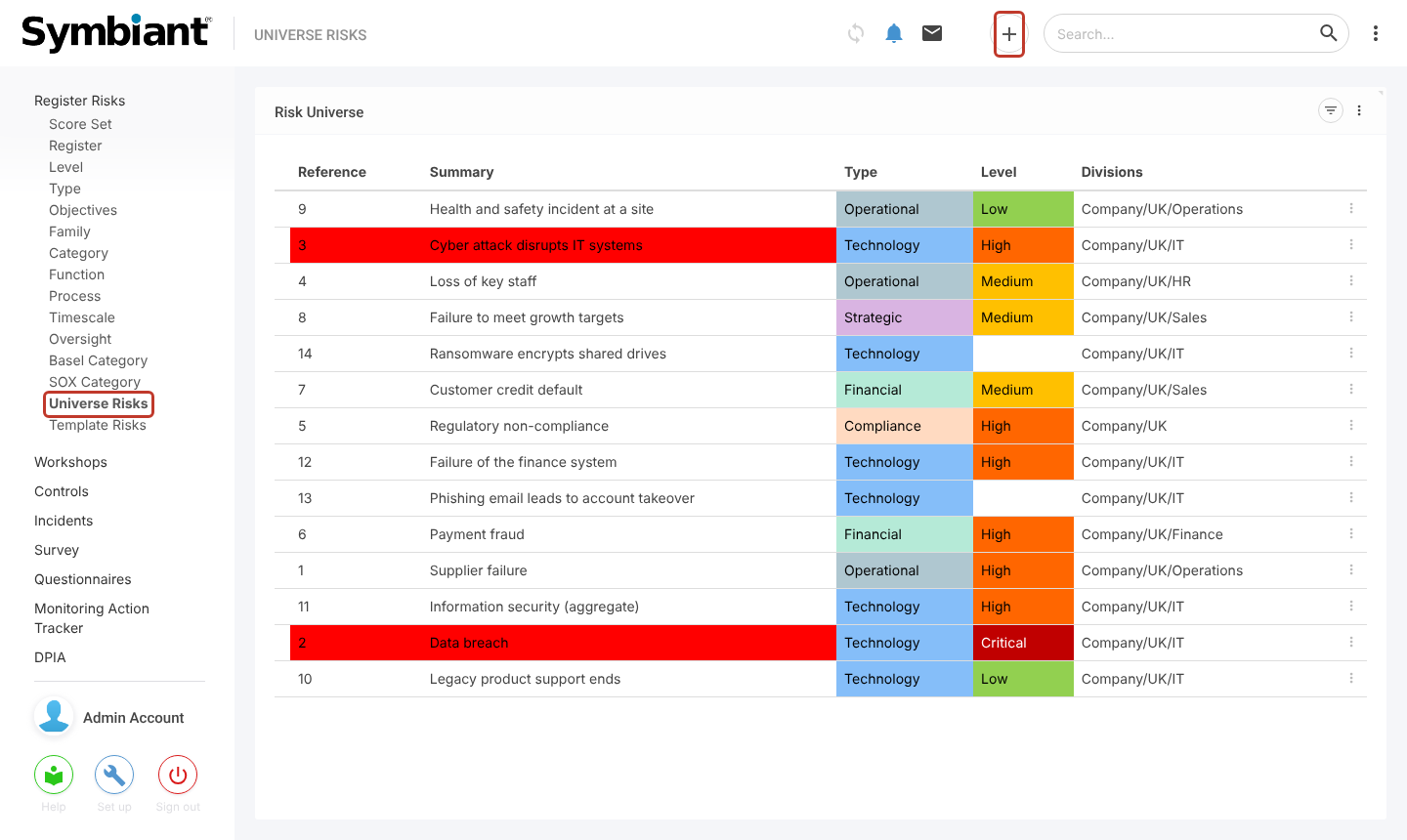
In the left-hand menu, select Register Risks, then Universe Risks. The list shows every risk with its type, level and divisions. Select the plus icon to add a risk straight to the universe.
Universe Risks Without a Register #
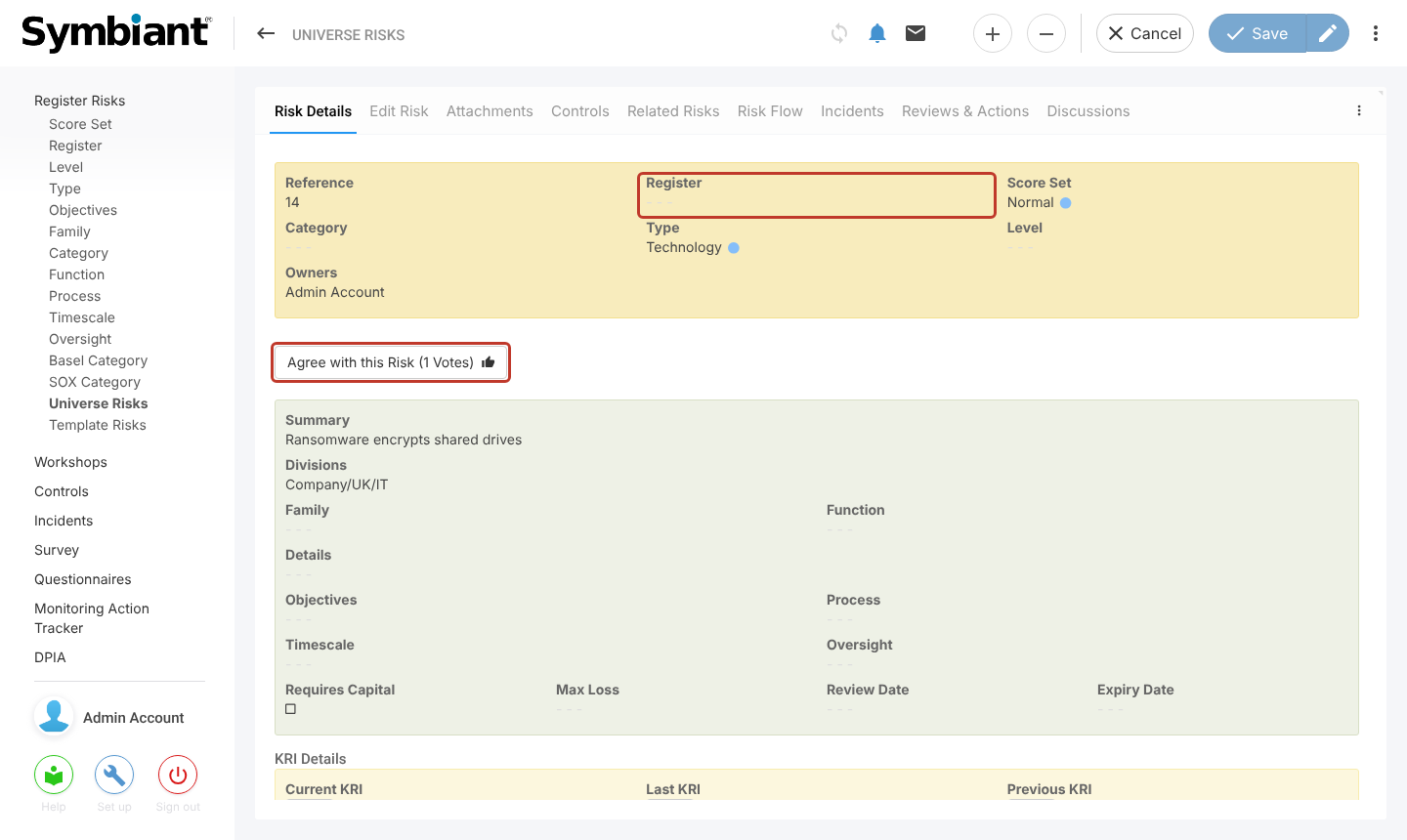
Open a risk to see its details. A risk that is only in the universe has no Register. Other users can support it by selecting Agree with this Risk, which adds a vote, so you can see which emerging risks people think matter most.
Workshops use universe risks too: risks created at a workshop’s Define stage start in the universe, and are added to a register at the Monitor stage. See Workshops Stages.
Moving a Risk into a Register #
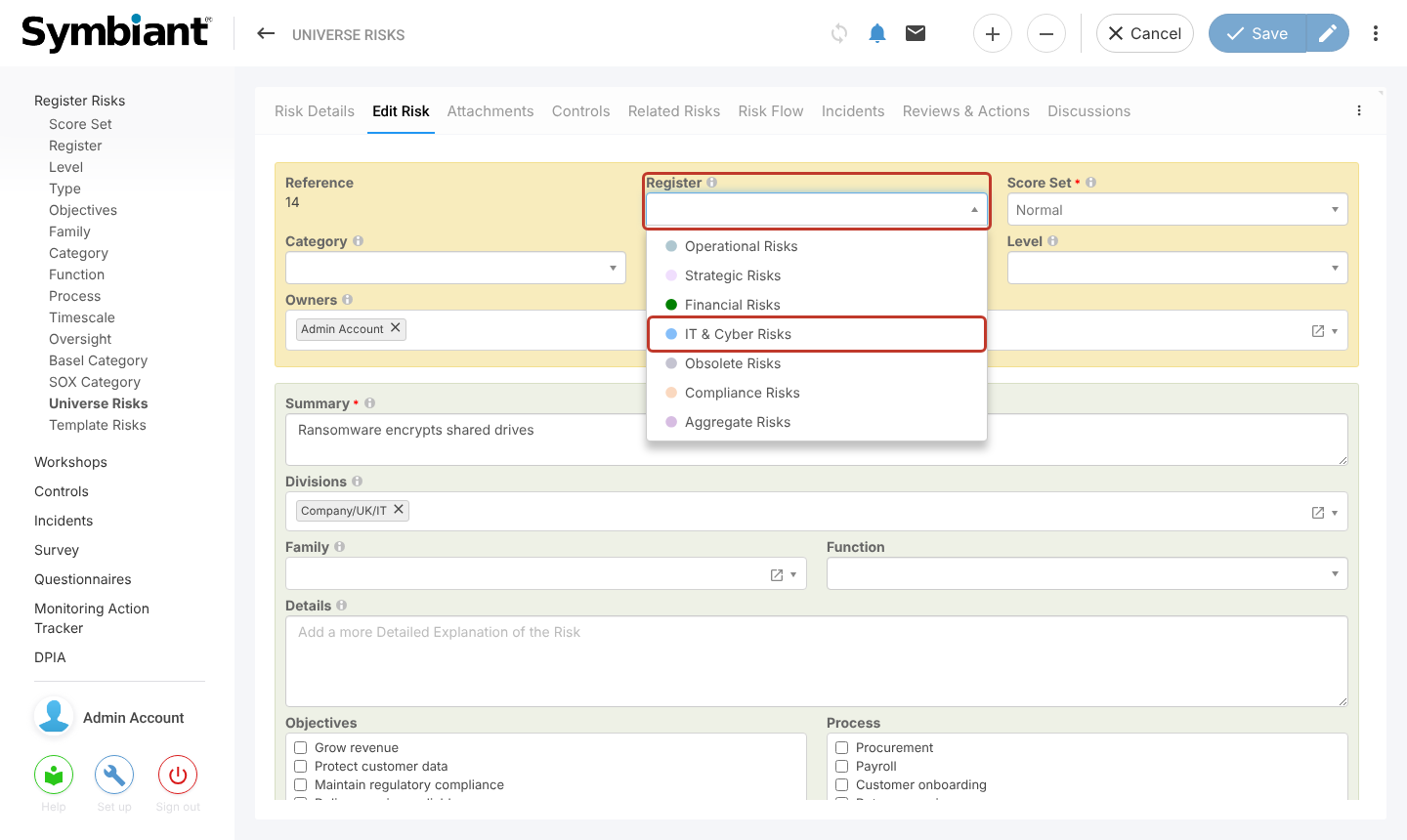
When a risk is ready to be managed, open it, select the Edit Risk tab, choose a Register, and save. The risk then appears on the Register Risks dashboard.