
 Doc Summary
How to send Emails within the Complaints Module
Navigate to Complaints #
Navigate to Complaints,
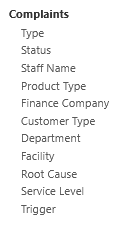
Select the Complaints Record you’d like to send an email for,
Adding an Email #
Select the Emails tab,
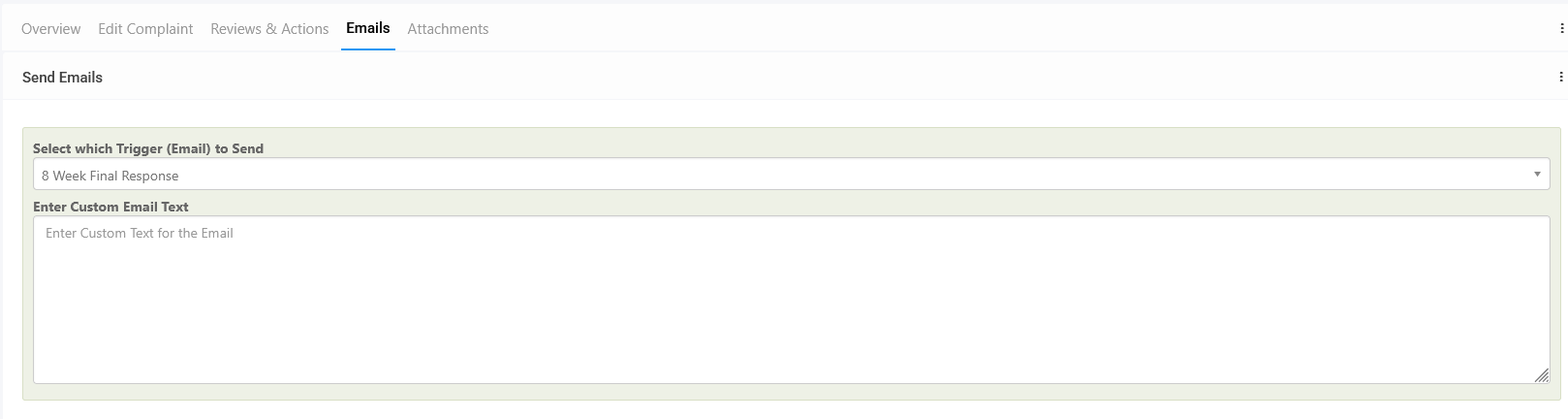
Select the Trigger type you would like to use for this email.
Note: Please submit a ticket to Symbiant Support for assistance on setting up custom Complaint Triggers!
Once selected, enter the Custom Email Text for this email. This email text will be automatically added to the selected trigger template
Saving the Record to send the Email #
When finished entering the email text, remember to Save at the top right (1) OR Save and Edit (Saving but remaining on the same screen) (2). The email will then be sent.

Sent Email Logs #
Any emails sent via the associated record and trigger will be kept within the ‘Sent Emails’ section.

Here, previously sent emails can be viewed and downloaded.