
 Doc Summary

How to find and decide on document change requests from the Change Request module.
Applies to: document owners and admins · Module: Change Request
What the Change Request Universe Is #
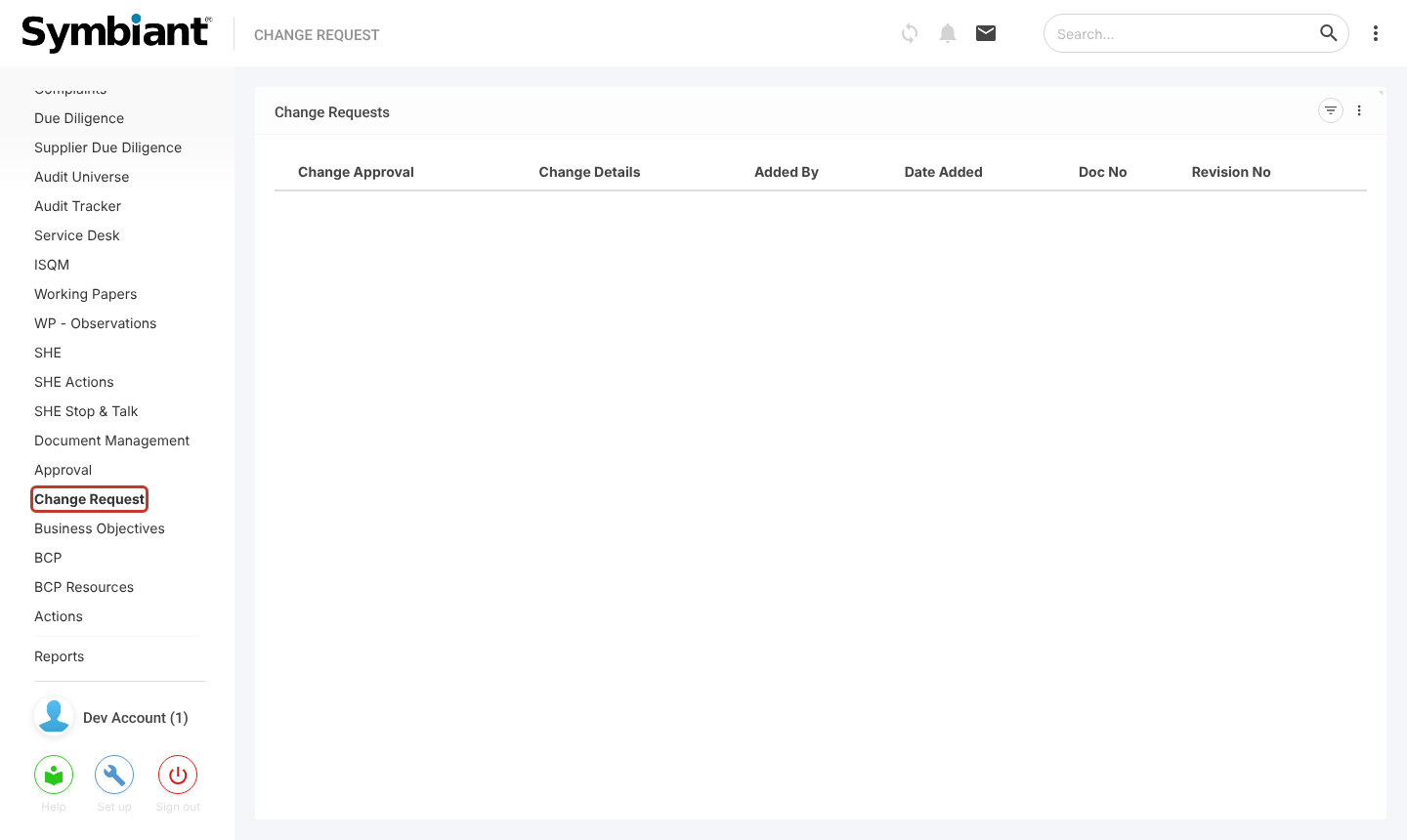
The Change Request item in the left menu lists change requests across all documents you can see. Change requests are added on the published document (see Document Change Request Process), so there is no + icon here.
Finding a Change Request #
- In the left menu, click Change Request. The Change Requests view lists each request with its Change Approval, Change Details, Added By, Date Added, Doc No and Revision No.
- Click a row to open the change request, with its document and revision.
Giving a Decision #
- Select Approved or Rejected. If you reject, add a comment explaining why.
- Click Save. The decision also shows on the document’s Change Requests tab.


