Doc Summary

How the service desk team assigns a ticket, adds comments and closes it.
Applies to: users who can edit Service Desk tickets. Module: Service Desk.
Assigning the Ticket and Changing its Status #
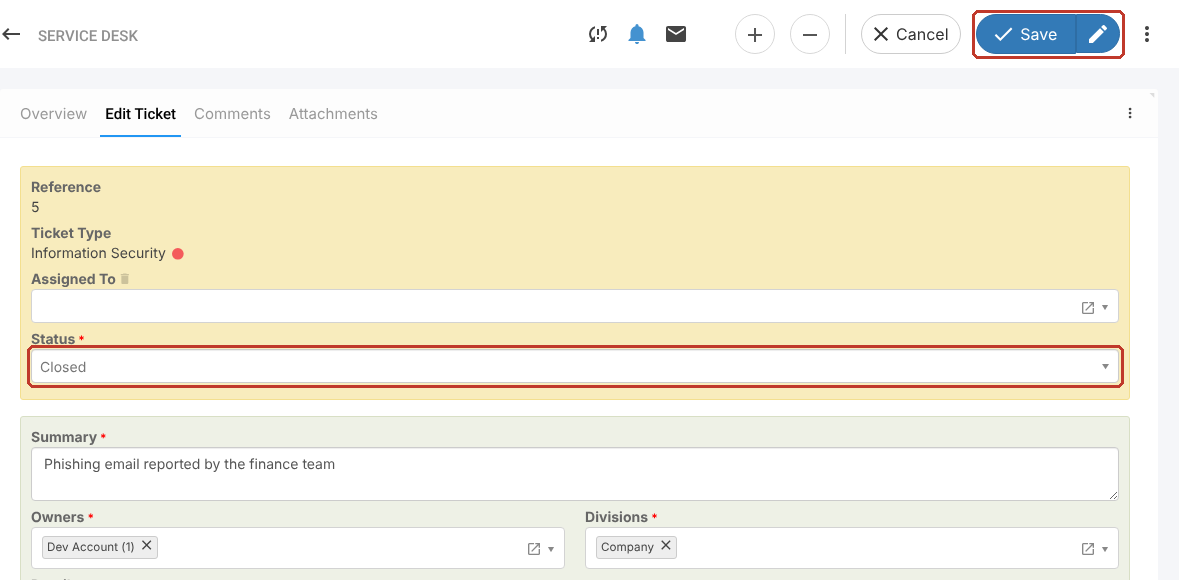
- Open the ticket and select Edit Ticket.
- Choose who it is Assigned To.
- Change the Status, for example to Open while you work on it or Closed when it is resolved.
- Check the Owners and Divisions (both required).
- Click Save.
Note: If the person you need is not listed under Assigned To, the field is limited to users with a particular role. Ask your administrator.
Adding a Comment #
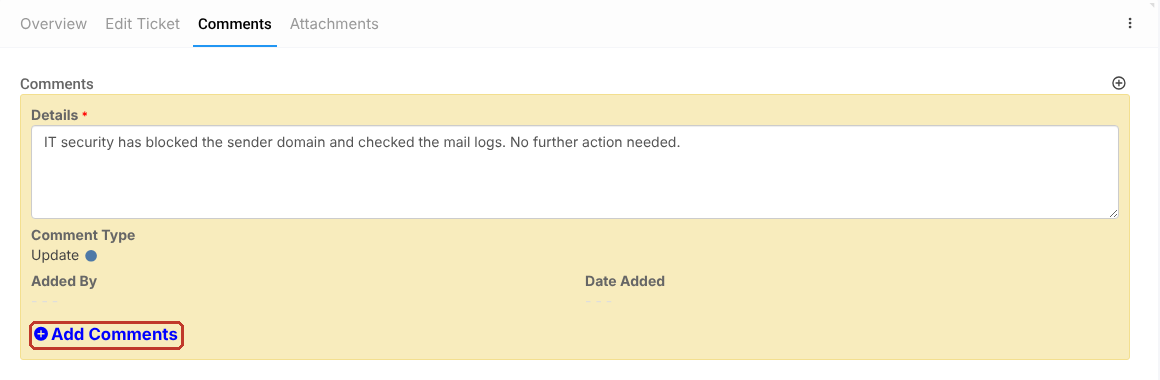
- Select the Comments tab and click Add Comments.
- Enter the comment Details. The comment type, Added By and Date Added fill in automatically.
- Click Save.