
 Doc Summary

How to connect risks to a business objective and compare them with the objective’s appetite.
Applies to: users who can edit Business Objectives and read Register Risks. Module: Business Objectives and Register Risks.
Linking Risks #
- Open the objective and select the Connected Risks tab.
- The Objective Appetite Details panel shows the objective’s appetite and its value.
- In the Connected Risks grid, click the link icon to pick existing risks (or + to create a new risk).
- Click each risk to select it, then click the blue tick.
- Click Save.
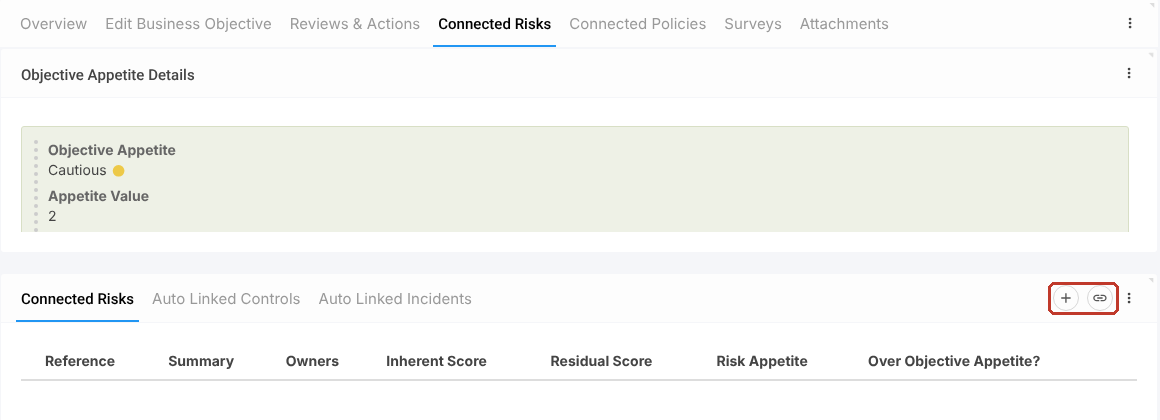
The grid shows each risk’s Inherent Score, Residual Score, Risk Appetite and whether it is Over Objective Appetite?. The Auto Linked Controls and Auto Linked Incidents tabs list the controls and incidents linked to those risks, so you do not link them separately.
Policies and Surveys #
The Connected Policies and Surveys tabs work the same way: use the link icon to pick records, confirm with the tick and save.


