
 Doc Summary

How to add a resource, record its impact on each department and link it to risks and controls.
Applies to: users who can create BCP records. Module: BCP Resources.
Adding the Resource #
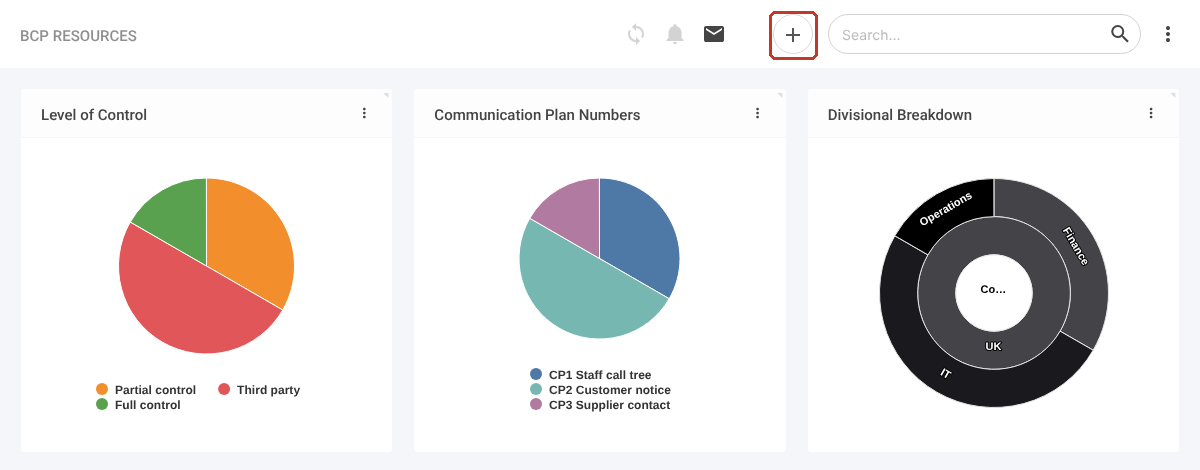
- Select BCP Resources in the left-hand menu.
- Click the + icon at the top right.
- Enter a Summary (required), for example “CRM system”.
- Choose the Level of Control and Communication Plan Number.
- Tick the Divisions the resource belongs to (required) and check the Owners.
- Describe the workaround under Substitution.
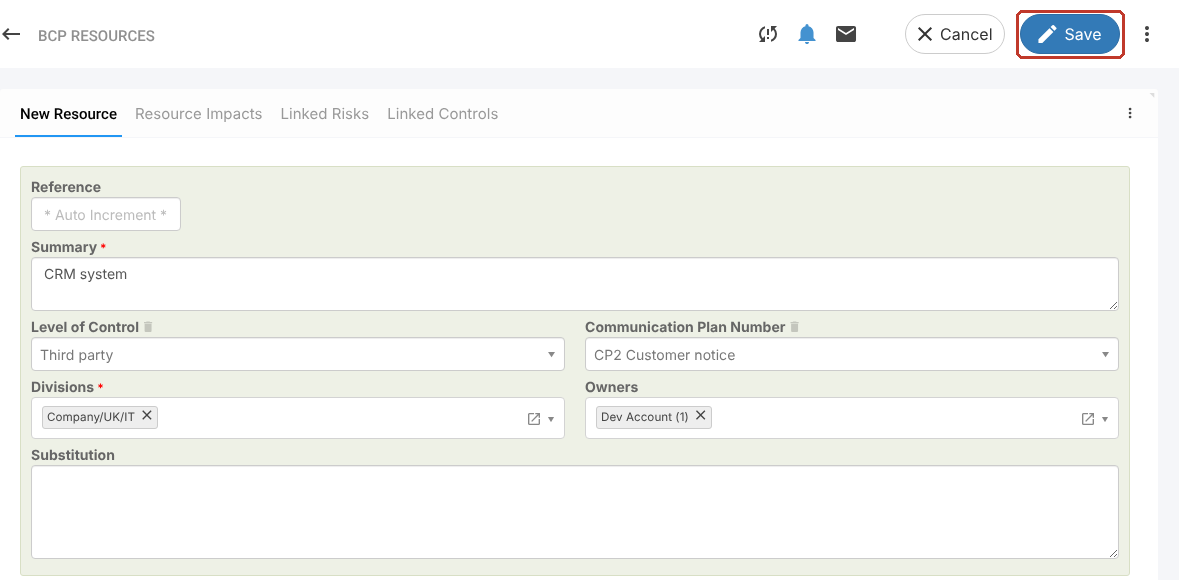
You can add an action plan straight away (see Adding an Action Plan to a BCP Resource), then click Save.
Recording Resource Impacts #
- Open the Resource Impacts tab.
- Click Add Departments, choose the Department and its Impact Level.
- Repeat for each department affected, then Save.
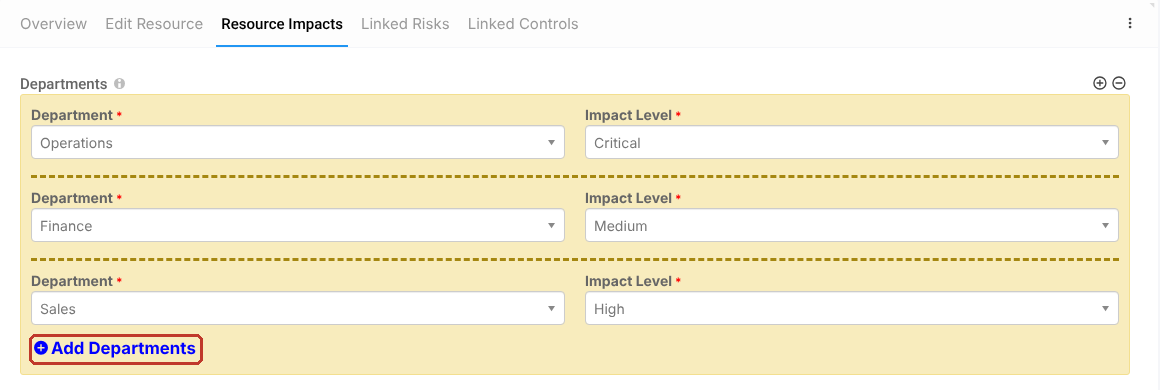
To remove a department row, use the − icon at the top right of the Departments panel.
Linking Risks and Controls #
On the Linked Risks or Linked Controls tab, click the link icon to pick existing records, or + to create a new one, then confirm with the blue tick and Save.



